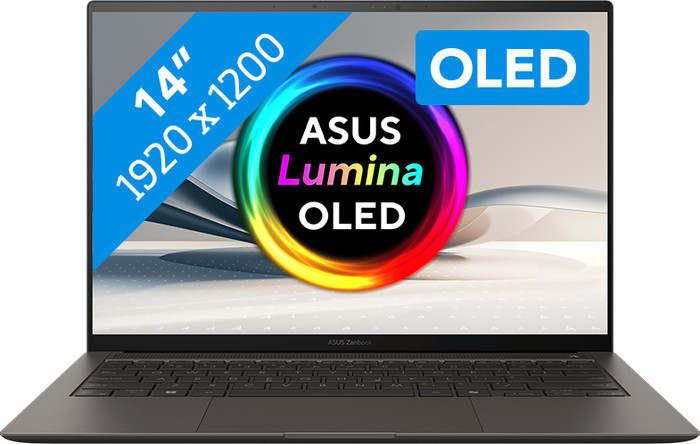
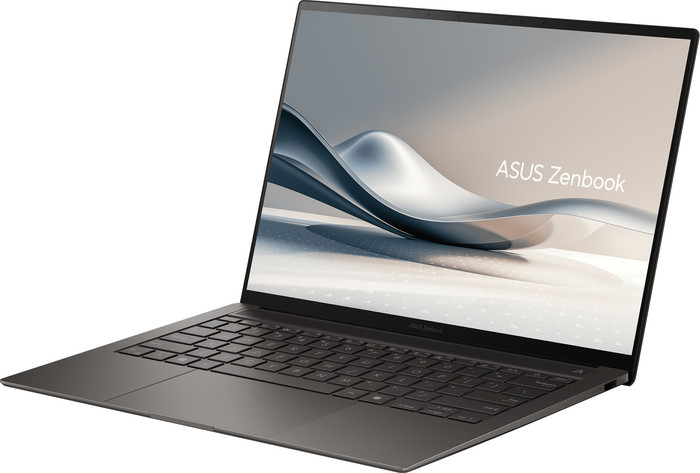
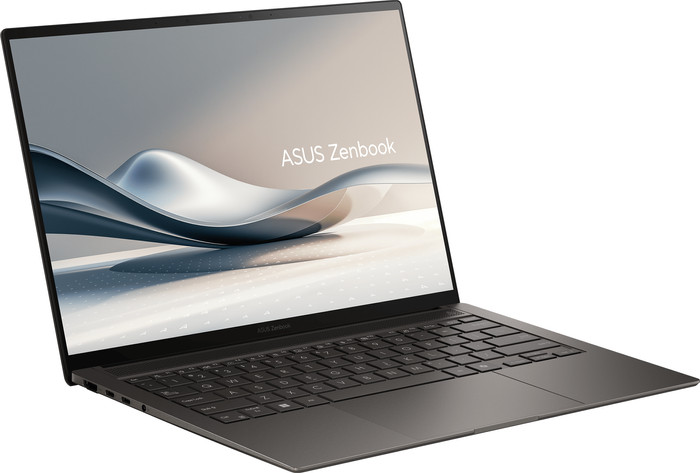
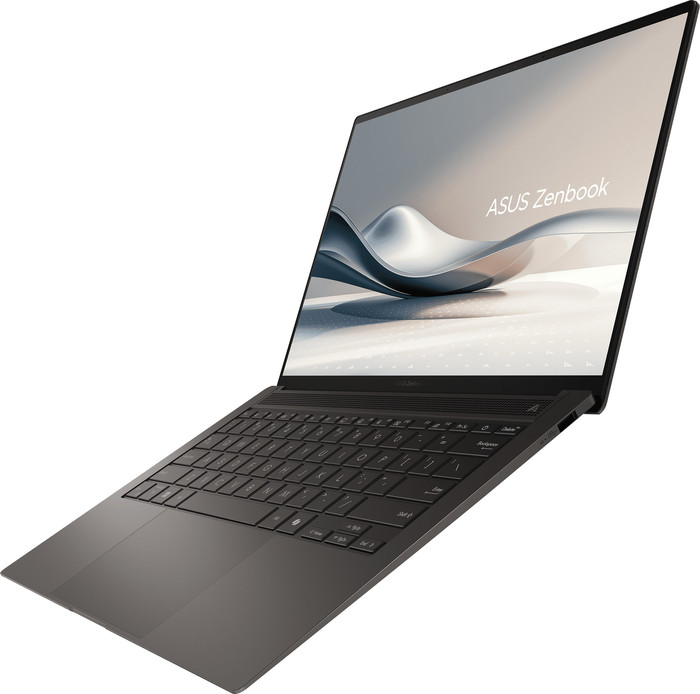
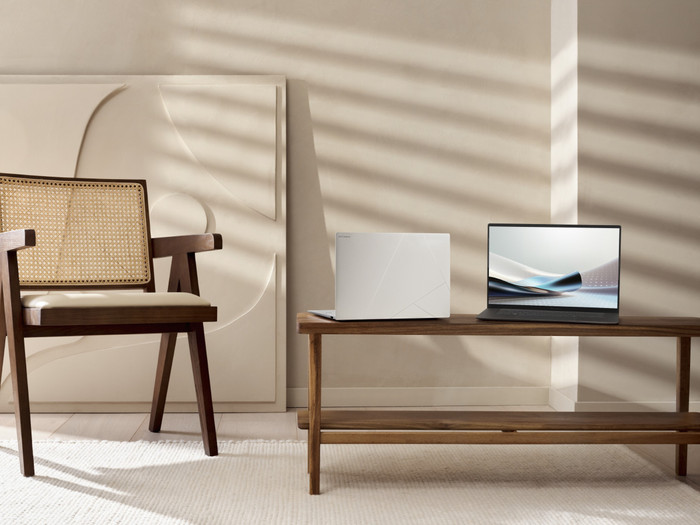
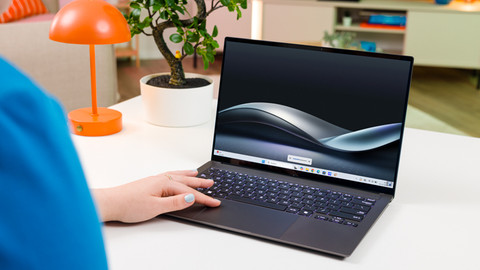
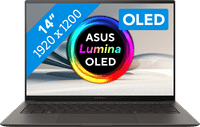
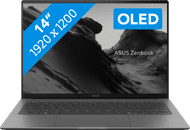
The ASUS Zenbook S14 is a sturdy and powerful laptop that allows me to edit images at lightning speed. While editing, I see all colors vividly on the screen thanks to the OLED panel. However, I do experience reflections a bit more easily due to the glossy screen.
First impression
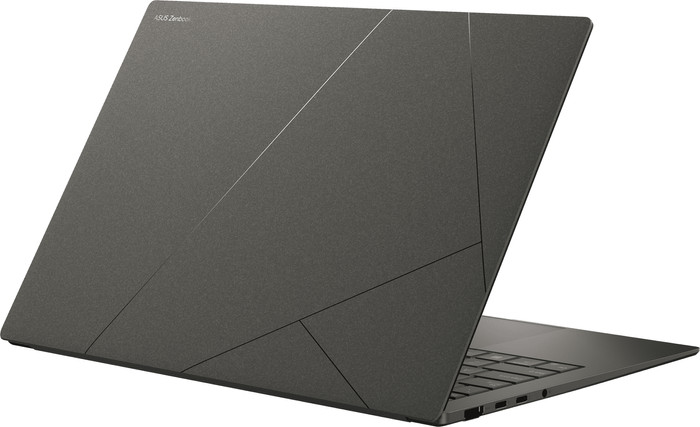
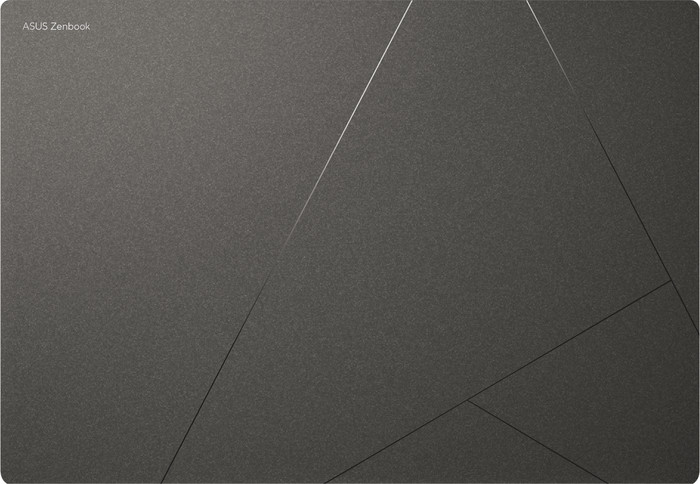
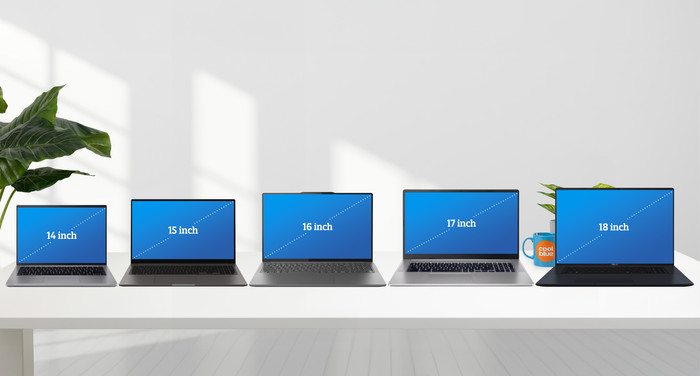
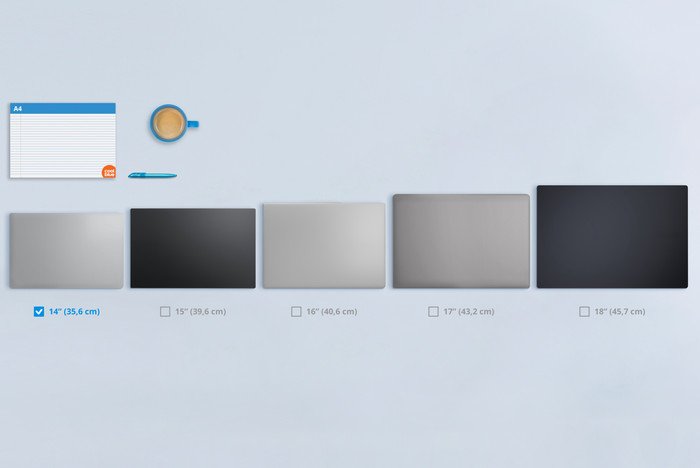
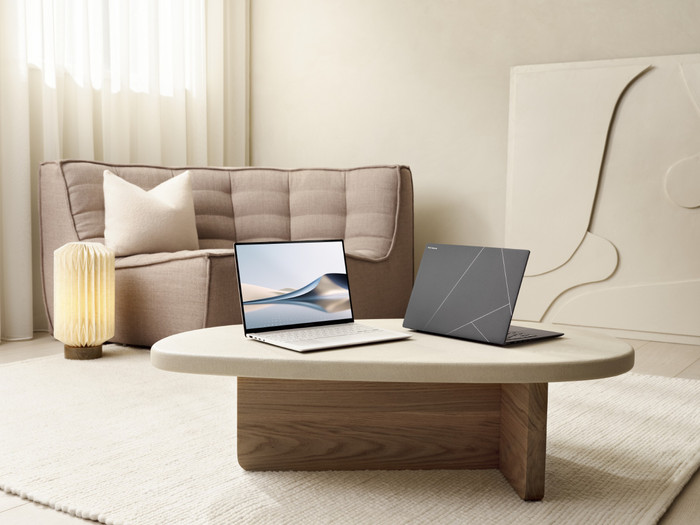
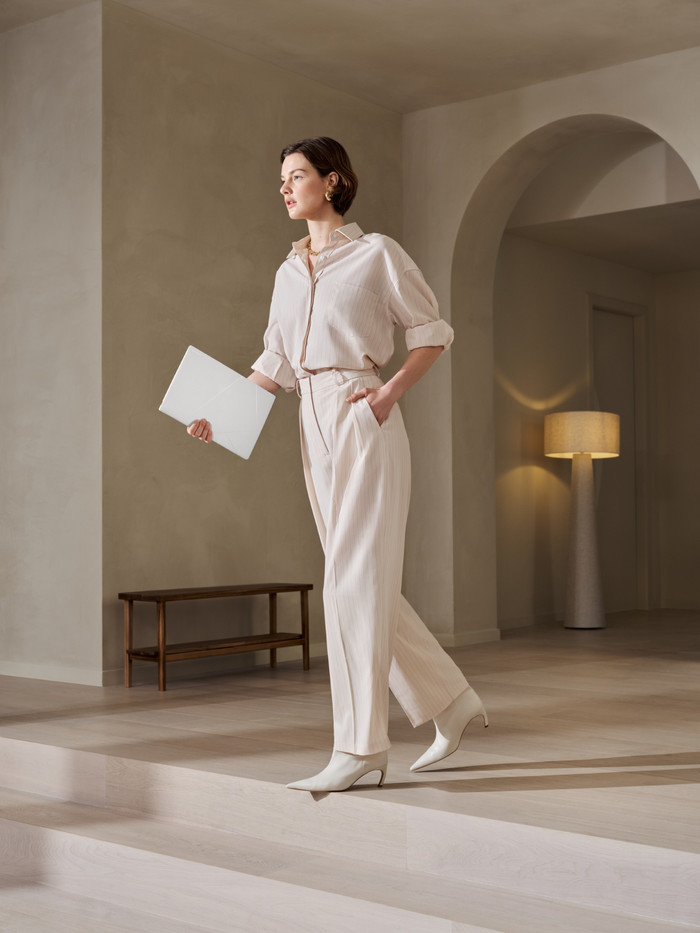
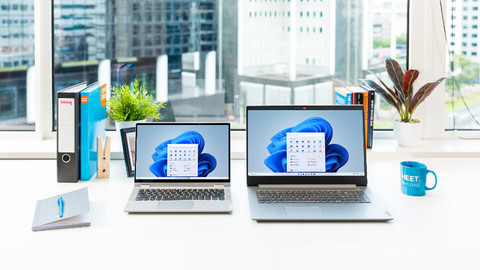
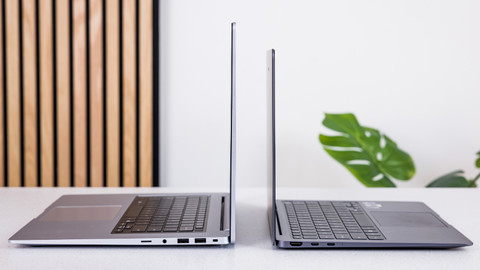
What immediately strikes me is that this ASUS Zenbook has a modern design. The top of the laptop is ceramic, and the rest of the laptop is made of Ceraluminium. As a result, it is very sturdy, and I worry little about bumps or scratches. I also don't easily see fingerprints on the casing. Thanks to the small 14-inch size and the low weight of 1.2 kilograms, I can easily slip the laptop into my bag. This laptop comes with a charger, which allows me to charge the laptop to 50 percent in half an hour using fast charging. I also charge my phone and earbuds with it, as the charger has a USB-C connection. Powerful AI processor and colorful display
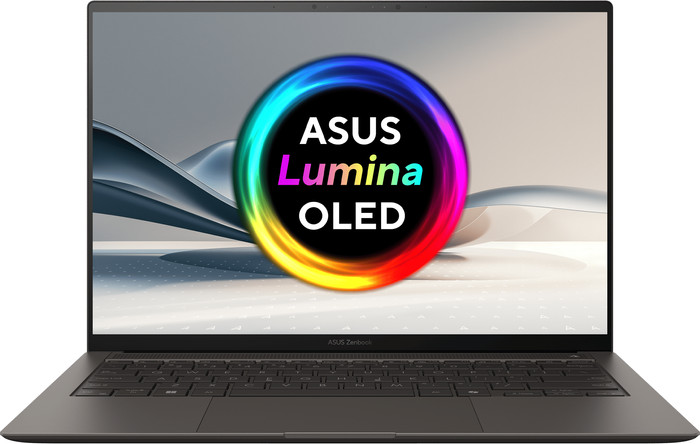
This ASUS Zenbook S14 features a powerful Intel Core Ultra 9 Series 3 processor and 32 gigabytes of RAM. As a result, I work smoothly in demanding editing programs and quickly edit large video files. I also use AI while editing, as this Panther Lake processor has an NPU. This allows the laptop to process AI tasks even faster. During editing, I see all colors vividly on the screen thanks to the OLED panel. For instance, I see deep black tones vividly and more contrast between colors. This allows me to choose the right filters for my photos and videos more precisely. The screen does have some glare, so sometimes I have to reposition the laptop if I am bothered by light reflections. Thanks to the 16:10 aspect ratio, I see more text on the screen and can keep an overview of my windows more easily.
Keyboard and touchpad
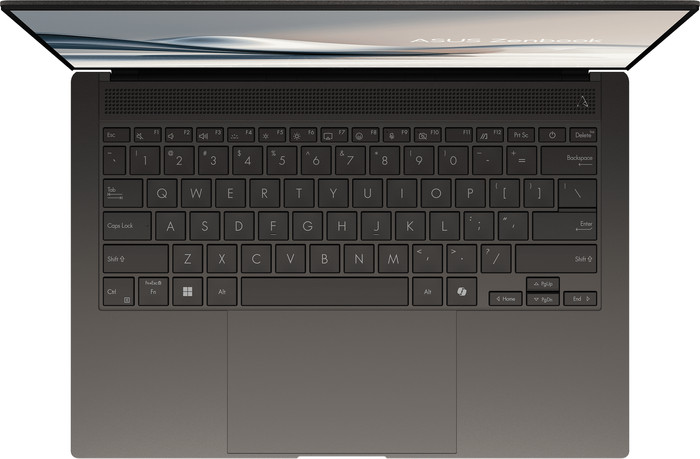
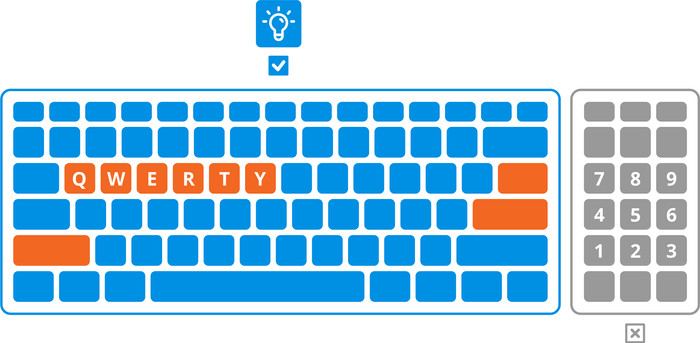
The backlit keyboard of this laptop is very bright. I can see the keyboard lighting clearly even in bright sunlight. I can easily adjust the brightness of the keyboard lighting via the function key. The touchpad of this laptop is also very pleasant to use. Thanks to ASUS Smart Gestures, I can adjust various settings in a single motion. I adjust the volume via the left side of the touchpad. I adjust the screen brightness via the right side. When watching a video, I can easily rewind or fast-forward using the top of the touchpad.