Welcome to your environment! You can order everything from your assortment with your personal budget here.

You can always return to the normal Coolblue website by clicking here.

Your outstanding budget (incl. VAT) is always visible here, so you know exactly how much you can spend.

Coolblue home

Help with your product
Fujifilm X-M5 Black Travel Kit
0 reviews

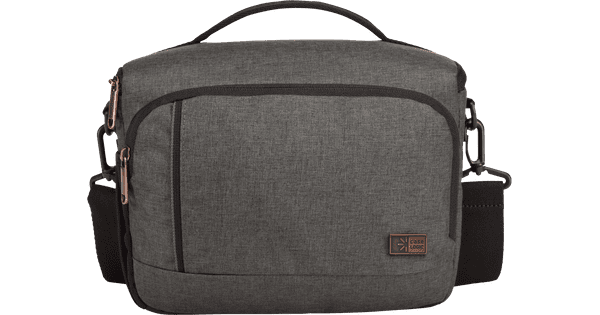
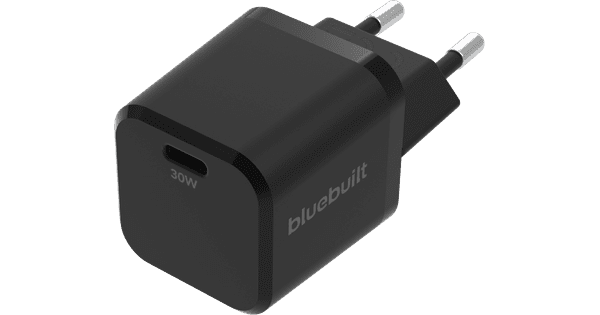
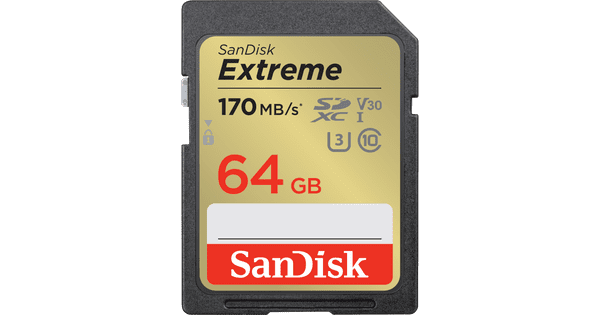
The Fujifilm X-M5 Black Travel Kit is a useful set for you if you like to take photos while you travel. You receive a Fujifilm X-M5 mirrorless camera, 15-45mm zoom lens, shoulder bag, and a memory card. You can bring the whole set in your bag and store your photos on the 64GB memory card. Thanks to the 15-45mm zoom range, the lens is versatile in use. For example, take photos of the landscapes and architecture of your vacation destination. Camera The Fujifilm X-M5 is a compact mirrorless camera. It only weights 355g, so you can take it with you without problems. That's useful on a trip. Thanks to the 26.1-megapixel APS-C image sensor, your photos look sharp and they have a lot of details. If you prefer to record videos, you can record those in 6.2K resolution. This footage is suitable for social media, for example. For a retro effect, you can use one of the Film Simulations. With these filters, it seems like you captured your images on an old-fashioned film roll.

Read all tips here

Which product do you want to see articles about?

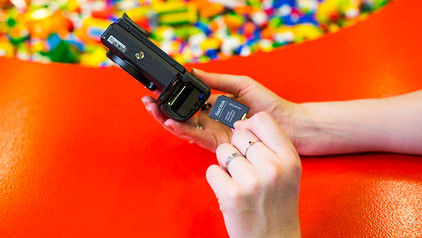
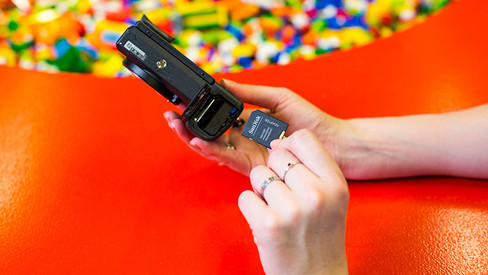
How do I format my SD card?

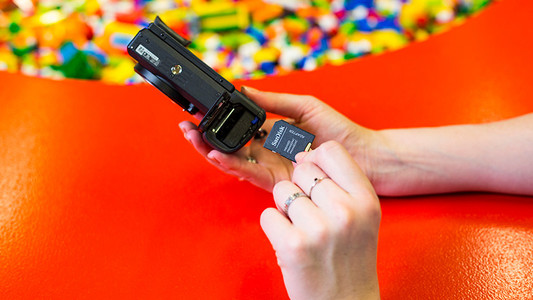
Have you noticed that your SD card has become slower when processing information? Or doesn't the card work in the device that you want to use it for? It's time to format or clean your SD card. In this article, you can read what ways there are to format your memory card and how you do it.


How do I format my SD card?

Have you noticed that your SD card has become slower when processing information? Or doesn't the card work in the device that you want to use it for? It's time to format or clean your SD card. In this article, you can read what ways there are to format your memory card and how you do it.

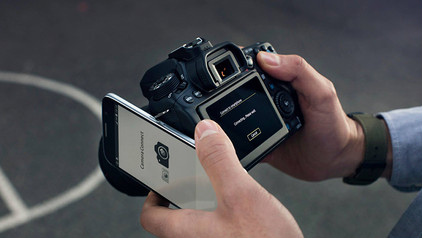
How do I set up Fujifilm Camera Remote?

With the Fujifilm XApp application, you can connect your Fujifilm camera to your smart device. This is the successor to the Fujifilm Camera Remote app. This way, you can use the smart device as a remote for your camera. You can also download photos you've taken via the app, so you can send them to your family and friends right away. In this article, you read how to set up the Fujifilm XApp.

How do I format my SD card?

Have you noticed that your SD card has become slower when processing information? Or doesn't the card work in the device that you want to use it for? It's time to format or clean your SD card. In this article, you can read what ways there are to format your memory card and how you do it.
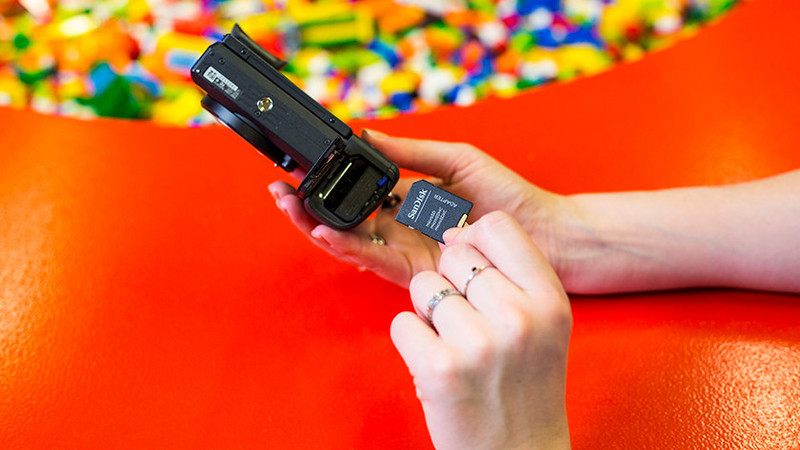
How do I format my SD card?

Have you noticed that your SD card has become slower when processing information? Or doesn't the card work in the device that you want to use it for? It's time to format or clean your SD card. In this article, you can read what ways there are to format your memory card and how you do it.

How do I format my SD card?

Have you noticed that your SD card has become slower when processing information? Or doesn't the card work in the device that you want to use it for? It's time to format or clean your SD card. In this article, you can read what ways there are to format your memory card and how you do it.

How do I set up Fujifilm Camera Remote?

With the Fujifilm XApp application, you can connect your Fujifilm camera to your smart device. This is the successor to the Fujifilm Camera Remote app. This way, you can use the smart device as a remote for your camera. You can also download photos you've taken via the app, so you can send them to your family and friends right away. In this article, you read how to set up the Fujifilm XApp.

Subjects

Didn't find your answer?

Find an answer to your question quickly and easily via our customer service.

Coolblue specialist
Personal chat Digitalk.
You're now chatting with Coolblue customer service
This chat is closed
foo
Oeps File size is larger than 5MB. Upload a smaller file.