Tips after purchase of your monitor
Have you purchased a new monitor and can't connect or do you get an error message? On this page, you can find solutions to connect and set up your monitor and solve problems and defects of the screen. We'll also give you some useful tips for your workplace, gaming monitor, graphic monitor, and more.
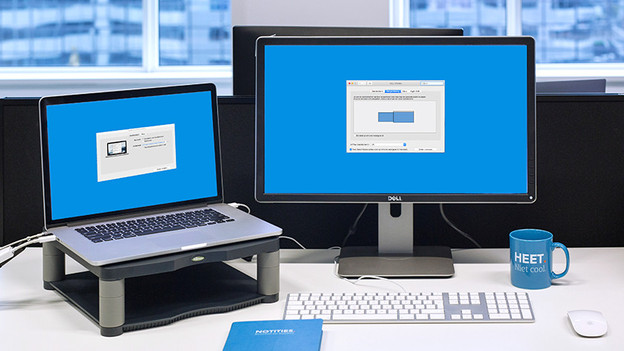
Connect your monitor
Connecting a monitor isn't a difficult process, but you have to know what to do. You need to have the right cables and know where to find the display settings. Our experts are happy to help you connect a monitor to a laptop, desktop, or MacBook, for example.

Set up and adjust your monitor
Do you want to change the resolution of your monitor? Or is the screen too bright? That's okay, because we're happy to help you with our advice articles.
Solve problems
Does your monitor show an error code? Or do you see stripes and flickering on the screen? We're happy to help you find a solution. What you have to do in case of dead or stuck pixels, for example.
Tips after purchasing your business monitor
You've purchased a business monitor and want to use it right away. We'll explain how you can set it up, use it, and how to solve problems. Want more help after purchasing your business monitor? Click the link to the advice hub.
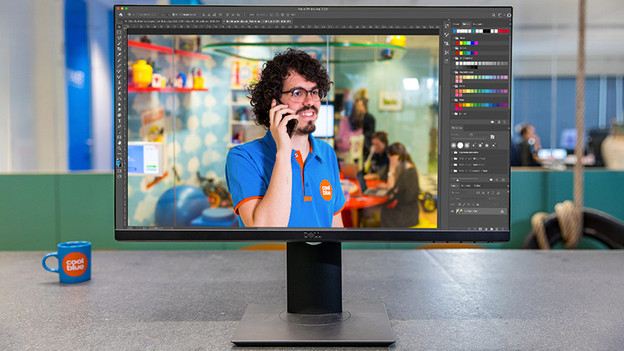
Tips after purchasing your graphic monitor
With a graphic monitor, you can make beautiful creations like photos, videos, and 3D models. But you might not like the current color representation. In the following articles, we're happy to give you some tips to use your graphic monitor.
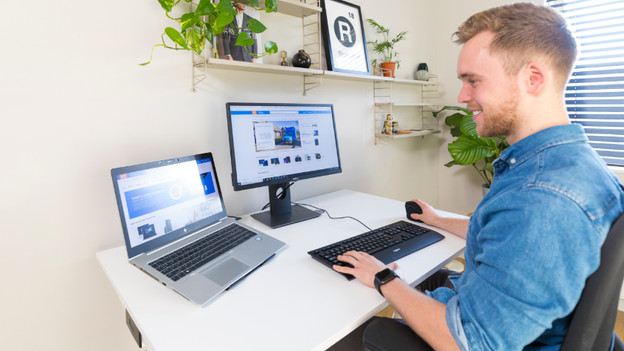
Tips for your office and home office
in addition to a monitor, you need more to set up a comfortable home office. You may want a footrest or adjustable desk chair for the correct ergonomic sitting posture. In the following articles, we'll give you some tips on how to create a comfortable office or home office.

Tips after purchasing your PC gaming monitor
You're ready for online battle, but you're not satisfied about the set refresh rate. Or you're playing with an NVIDIA video card and don't know how to set up G-Sync. Don't worry, our experts are happy to help you. That way, you can get to the top of the leaderboard.

Tips after purchasing your console gaming computer
Do you prefer console gaming? And want to connect your PlayStation 5, Xbox Series X or S, or Nintendo Switch to a gaming monitor? Or want to know how to game at 120Hz. Our experts are happy to explain it to you in the following advice articles.