Written by Deanne
Edited on
20 July 2026
·
10:41
How do you upgrade to Windows 11 with end of support of Windows 10?
On 14 October 2025, Microsoft stopped supporting Windows 10. We call that end of support, which means there will no longer be technical support and security updates for Windows 10. That's why we recommend switching to Windows 11. You can update Windows 10 to Windows 11 or get a new PC. In this article, we'll explain what to do with end of support for Windows 10.

What does end of support for Windows 10 mean?
On 14 October 2025, Microsoft stopped supporting Windows 10. This means you no longer receive security updates and functional updates for Windows 10. Microsoft also no longer offers technical support. If you use Windows 10 after 14 October 2025, there's a higher risk of viruses and other security risks. It's possible to use Windows 10 for 1 year longer via a paid program, but we don't recommend this. Switch to Windows 11 and enjoy the improved security and automatic updates.
What does it mean for Windows Home and Windows Pro?
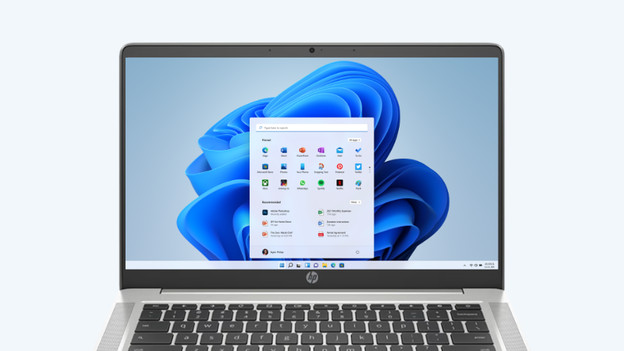
Windows 10 Home
For Windows 10 Home users, the security is the biggest risk. After 14 October 2025, Windows 10 will no longer receive security updates. The antivirus software also offers less protection. New software won't be tested on Windows 10 as often, so programs and apps will work less well with Windows 10 Home.
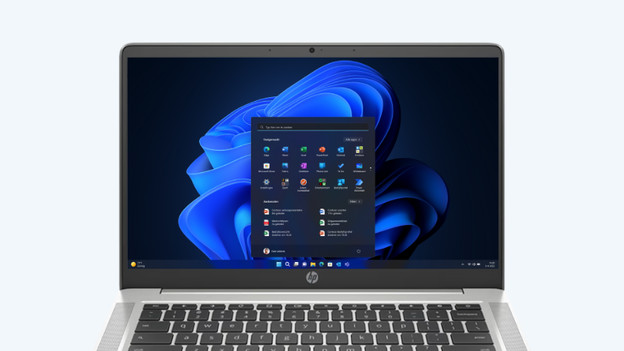
Windows 10 Pro
The largest risk for Windows 10 Pro is the decreased security and the chance of data leaks with the outdated operating system. In addition, Windows 10 Pro won't meet the security norms anymore after some time. Services like Microsoft 365 and OneDrive will get less support and security in the future, so your files are less secure or not secure at all.

What's Windows 11?
Windows 11 is the latest Windows version. This new version has strong security and receives automatic updates from Microsoft. Windows 11 also has a modern appearance and improved functions. For example, Windows 11 has a new start menu and you can easily use functions like the dark mode. Windows 11 is also faster and more energy-efficient than Windows 10. Windows 10 is adjusted to the new hardware, which makes the operating system more future-proof.
How do you update from Windows 10 to Windows 11?

Update Windows 10 to Windows 11
Want to update your old laptop or desktop to Windows 11? Make sure to check the minimum system requirements. For Windows 11, you need at least an 8th generation Intel processor or 2000 series AMD Ryzen processor or newer. In addition, you need at least 4GB RAM and 64GB storage space. You can update Windows 10 to Windows 11 via the settings for free. Open the settings and go to Windows update. Then install the Windows 11 update.
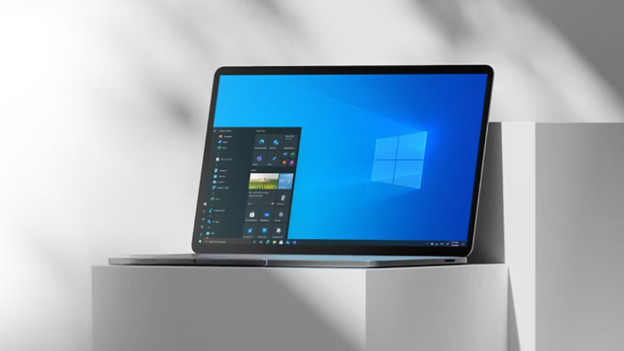
Make a backup
Don't want to lose all your files when you update to Windows 11? Make a backup of your laptop or desktop. That way, you can easily move all your files and don't lose anything during the update. Quickly and easily make a backup via OneDrive and transfer everything to the Windows 11 version in a couple of minutes. Do you prefer to make a backup via an external hard drive? You can also quickly and easily transfer your files to Windows 11 that way.

When should you get a new laptop or desktop?
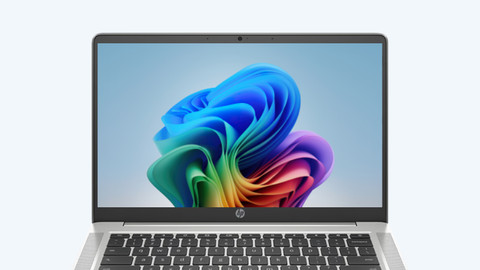
Windows 11 is a more demanding operating system than Windows 10, so not all laptops and desktops meet the requirements for Windows 11. Do you want your PC to last a long time? We recommend a new Windows laptop or desktop. That way, the Windows 11 operating system and your PC work faster. Thanks to the newer hardware and newer processors, your laptop or desktop is faster. New laptops or desktops also have an improved security and a longer battery life.
Switch to a new Windows laptop or desktop now


Frequently asked questions
Can I still use Windows 10 after 14 October 2025?
Yes, but we don't recommend it. Without security updates, your PC is more at risk for viruses and hacks. Many programs will also stop with support for Windows 10, so apps and programs won't work as well anymore.
Can I update to Windows 11 for free?
Yes, you can. You can update your laptop or desktop to the equal Windows 11 version for free, such as Windows 10 Home to Windows 11 Home and Windows 10 Pro to Windows 11 Pro. Be sure to check if your old laptop or desktop meets the system requirements for Windows 11.
How do I know if I can update my PC to Windows 11?
Use the Microsoft PC Health Check app. You can download the app via the Microsoft website. You can also check it via the settings. Go to Settings and click on Privacy & security. Then click on Windows Update. If your PC is suitable for the Windows 11 update, you'll see an option to upgrade to Windows 11 for free.
Is the end of support date extended?
No, the official end of support date of Windows 10 is still 14 October 2025. You can use Windows 10 for an extra year via a paid program, but we don't recommend this. You still have a higher risk of viruses and other security risks.

Article by Deanne
Windows Expert.