Windows support
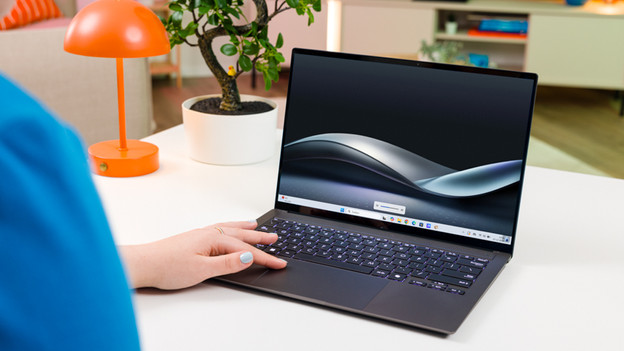
Are you running into issues with your Windows laptop? Here, you can find all support and we'll help you on your way. We'll explain how to solve problems with your keyboard and touchpad, and how to make a Fresh Start with Windows. We'll also help you with common issues and advanced problems. We'll also provide tips on how to get the most out of your Windows laptop.
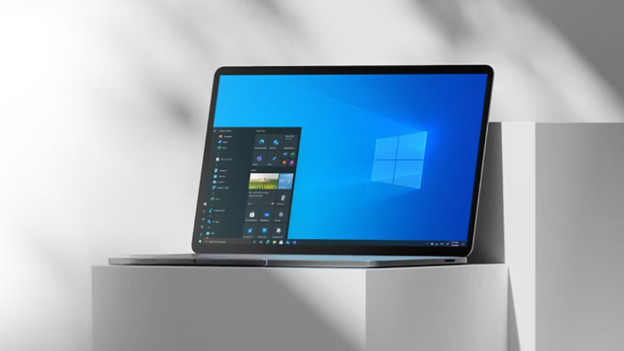
What should you do when Windows 10 reaches end of support?
From 14 October 2025, Microsoft stopped supporting Windows 10. This means that there won't be any security updates anymore, so Windows 10 is less protected. We've collected all information for you, so you can easily switch to Windows 11.

Keyboard and touchpad
Are you typing in a character on your keyboard, but does a different one appear on your screen? Or doesn't your touchpad work the way it should? You can read all kinds of tips on how to solve problems with the keyboard and touchpad.
System recovery and backup
Do you want a fresh start with your Windows laptop? Reinstall Windows or perform a Fresh Start. Are you going to make and restore a backup? You can read everything on Windows system recovery and backup here.

Solve problems
You can find tips and a step-by-step plan for common problems with Windows here. We'll tell you how to fix a turned screen and how to solve connection problems and other issues.

Advanced problems
Doesn't your Windows laptop work like you want it to? There's no reason to panic. You can read what to do if your laptop doesn't boot or if you have other advanced problems with your laptop here.
Finding information
Do you want to find information about your laptop, like which video card your laptop has? Or are you curious about with ports your laptop has and how they work? Read it here.
Additional advice
Are you running into other problems, like a laptop that doesn't charge or crashes? Read how to solve that here. We'll also help you change your settings.
Can't find your question here?
Do you have a different question, or having issues with something else? We're happy to help. We'll explain how to set up and update your Windows laptop. We'll also help you on your way with tips and tricks for Windows laptops.