Written by Thomas
Edited on
24 June 2025
·
08:47
What's enrollment?
With enrollment, you configure pre-set apps, settings, and limitations for multiple mobile devices in one go. This a useful and secure option to manage multiple devices at the same time as a company or organization. In this article, we explain what enrollment is and what solutions we offer.

What can you use enrollment for?
With enrollment, the mobile device management (MDM) solution is set up on your mobile devices without the intervention of your IT department. It saves a lot of time, because you don't have to set up the devices manually. The devices are ready for use right away when they're turned on for the first time.
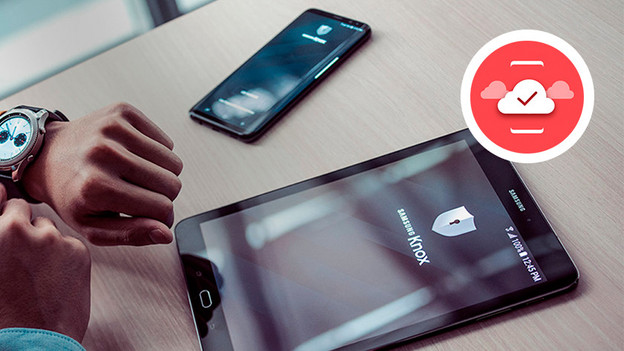
Knox Mobile Enrollment
Knox Mobile Enrollment (KME) is a free service from Samsung which the IT department of your company can use to roll out solutions on multiple devices. As soon as your employee activates the device and connects to WiFi, the solution is automatically set up. KME can also be used to roll out other MDM solutions, such as MobileIron.

Android Zero Touch
With the Android Zero Touch software from Google, you configure the settings of multiple mobile devices at the same time. These devices do need to support Android 8.0 or higher. The devices are registered in the Zero Touch Console from Google upon purhcase. The IT department can then quickly and easily register the devices to your Mobile Device Management software. The devices are directly ready for use when they're switched on for the first time. Android Zero Touch works with supporting Android devices, except Samsung models.
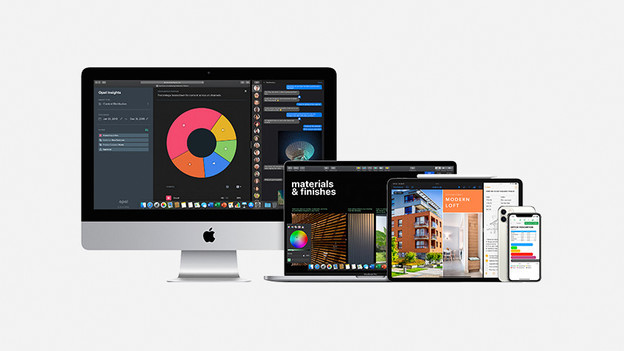
Apple Business Manager
Apple Business Manager, formerly known as Device Enrollment Program (DEP), is software from Apple which allows you to set up multiple Apple devices at the same time for your company or organization. With the Mobile Device Management solution, you first set up all the apps, software, settings, or limitations. Afterwards, you use Apple Business Manager to apply this to all selected devices.