Laptops with a basic build quality have a plastic casing and don't have too many bells and whistles. This often makes this range more affordable than laptops from a higher range. Laptops in this range have a plastic casing. This makes them less suitable for constant use on the go and more suitable for home use. Laptops with a basic build quality also often have a Lithium-ion battery. The battery life of these batteries isn't as good as that of a Lithium-polymer battery, meaning you have to find a socket relatively quickly.

- You can smoothly edit photos in programs like Adobe Photoshop.
- You can also edit photos at night, because you can see the keys clearly in the dark thanks to the backlit keyboard.
- This laptop is better protected from falls, moisture, high and low temperatures, and dust, because it passed military-grade testing.
799,-
Delivered tomorrow

- You can easily make sketches, drawings, or designs on the screen, because you can turn this laptop into a tablet.
- You can smoothly working in demanding accounting apps like Adobe Photoshop or Premiere Pro
- Thanks to the small size and low weight, you can easily take this laptop with you to lectures.
949,-
Delivered tomorrow
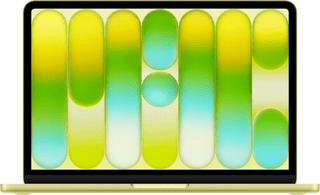

- With this MacBook, you can buy your new outfit online and take care of your finances.
- Thanks to the low weight, you can comfortably use your MacBook anywhere in your house.
- Thanks to the small size, your MacBook is easy to use and easy to store.
849,-
Delivered tomorrow

- You can smoothly edit videos in programs like Adobe Premiere Pro.
- You can also continue working a bit on your videos at night, because you quickly see the right keys thanks to the backlit keyboard.
- You can listen to clear sound of your videos via the Dolby Audio speakers.
1.299,-
Delivered tomorrow
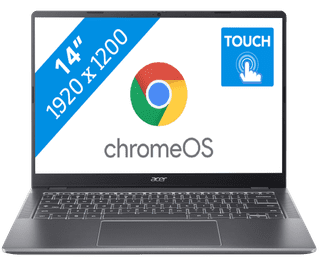
- You can smoothly switch between multiple apps, so you can write your reports while doing research via your browser.
- You can easily take this Chromebook to your school thanks to the low weight.
- You can easily take notes and quickly swipe through apps via the touchscreen.
439,-
Delivered tomorrow
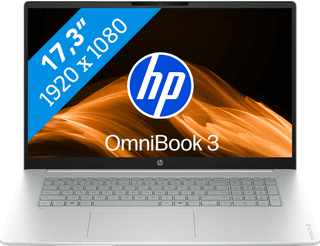


- On the large 17-inch screen, you can keep a clear overview of your work and easily use 2 windows side by side.
- You can smoothly keep track of your email, write texts, or browse the internet while you listen to music.
- You're less bothered by strained eyes thanks to the built-in blue light filter.
679,-
Delivered tomorrow

- You can flip the touchscreen 360 degrees and turn the Chromebook into a tablet.
- You can smoothly take notes or make sketches and swipe through apps via the touchscreen.
- You can easily work on your files on the go, because this Chromebook has a lot of local storage and it only weighs 1.4kg.
429,-
Delivered tomorrow
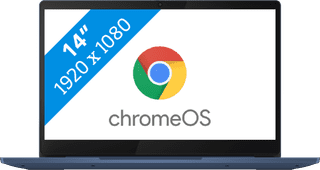
- You can comfortably watch all your favorite movies and series and see all details well on the Full HD screen.
- You're less bothered by reflections or light thanks to the anti-glare screen.
- You can smoothly open different apps like Disney+, Netflix, or YouTube.
369,-
Delivered tomorrow
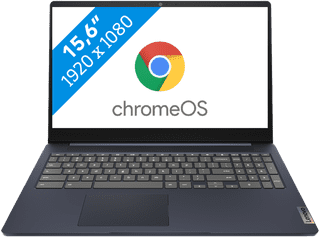

- You can smoothly work in different apps like Google Chrome, Google Docs, or YouTube.
- You can also store documents offline on your Chromebook thanks to the 128GB local storage.
- You're less bothered by light and fingerprints thanks to the anti-glare screen.
381,-
Temporarily sold out

- Play light games in Full HD at 60 fps with the RTX 5050 video card.
- The 2K screen with 144Hz refresh rate provides sharp images and smoothly displays fast movements.
- In addition to gaming, you can stream in Full HD and edit your gameplay videos thanks to the Ryzen 7 processor
1.329,-
Delivered tomorrow
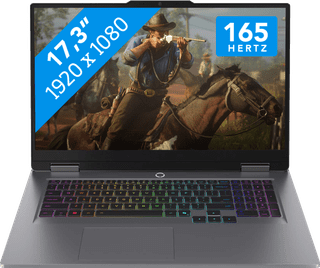
- You can play medium demanding games like Cyberpunk 2077 and Hogwarts Legacy smoothly at 60 fps in Full HD, thanks to the RTX 5060 video card.
- The 165Hz screen displays fast-moving images smoothly, so you can see your opponents in time.
- You don't miss a single command with the anti-ghosting keyboard, because it processes multiple keystrokes at the same time.
2.199,-
Delivered tomorrow
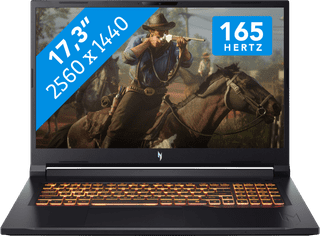
- With the RTX 5070 video card, you can smoothly play demanding games like Microsoft Flight Simulator and Elden Ring in Full HD at 60 fps.
- The 165Hz screen displays fast-moving images smoothly, so you can see your opponents in time.
- In addition to gaming, you can stream in Full HD and edit your gameplay videos thanks to the Ryzen 7 processor
2.199,-
Delivered tomorrow


- You can smoothly switch between different light programs, such as a text document and your browser.
- You can quickly enter numbers and formulas via the numeric keypad.
- You don't have to worry about fingerprints on the screen thanks to the anti-glare layer.
899,-
Delivered tomorrow

- You can work smoothly on light, graphic tasks thanks to the powerful processor and RAM.
- You can smoothly perform graphics tasks and use AI while you work, because this powerful Chromebook is a Chromebook Plus.
- You can smoothly take notes or make sketches and quickly swipe through apps via the touchscreen.
659,-
Delivered tomorrow