SALE
SALE.
Deals for days.Unfortunately, the winter sale is over. Luckily, we'll be back in July with the summer sale promotions on laptops. That way, you can always find a laptop promotion that suits you.

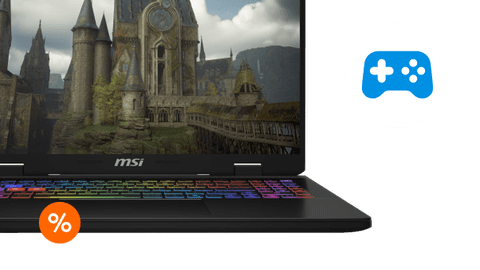
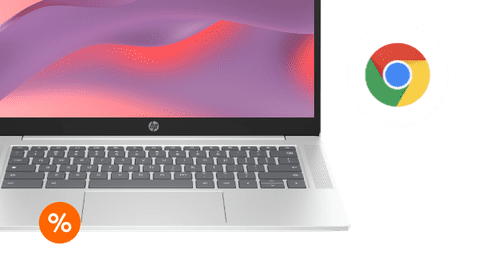
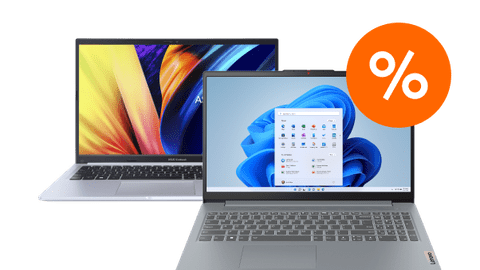





Advice on laptops
Which laptop suits you?
There are different types of laptops with different operating systems: Windows laptops, Apple MacBook, and Google Chromebook. They're all different. Which suits you, depends on what you use it for. Students use their laptop for their studies and gamers to play their favorite games. We also have the right laptop for designers and business users. Be sure to consider what you'll use your laptop for.
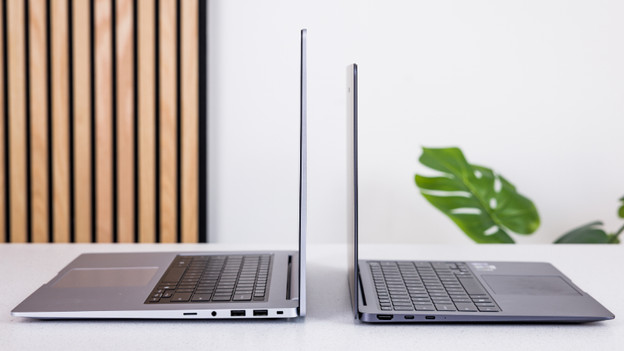
Which laptop size are you choosing?
The right laptop size depends on where you use it. If you often take your laptop with you, a small laptop suits you. You can take a medium-sized laptop with you occasionally, but you often use it in 1 spot. Choose a large laptop if you mainly work in 1 spot and barely take your laptop with you. We'll help you choose.
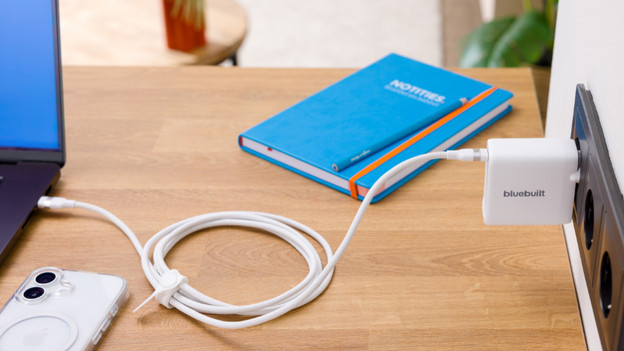
Which charger do you need?
Nowadays, the laptop doesn't always include a charger in the box. Need a new charger? Be sure to check if your new charger is powerful enough for your laptop. The charger needs at least 65W, so the laptop charges properly. For powerful laptops, you need a charger with more power. We'll explain it all.
You can view Windows laptops in the stores

View which stores have laptops here
You can easily choose a laptop once you've actually seen it in the store. For example, you can see how large a laptop truly is, what you think of the color, and how well it suits you. You also receive advice from one of our experts. We're happy to welcome you to one of our stores. There's always a Coolblue store near you.
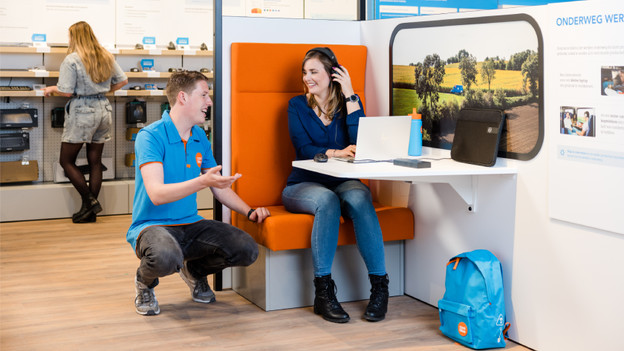
Advice from an expert
Make an appointment with our Windows laptop expert and visit one of our stores. With personal advice, we'll help you choose a laptop and you can experience the usage in the store right away. You can make an appointment with our expert every day of the week within our opening hours.

Advantages of viewing laptops in our stores
Visit one of our stores and ask your questions to our laptop experts. You can easily see the differences between the laptop sizes, keyboards, touchpads, and screens. That way, you can experience which laptop suits your wishes and needs in real life.
BlueBuilt laptop accessories: 5-year warranty
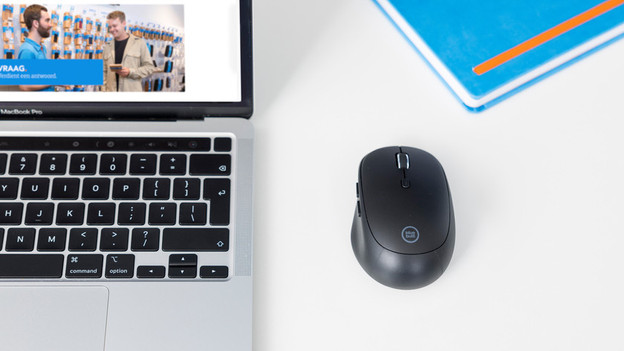
Mice
BlueBuilt mice come in all shapes and sizes. For example, we have wired and wireless mice. There are also regular mice and mice with an ergonomic design. This way, you'll assume a natural position and prevent RSI. All BlueBuilt mice have silent buttons that reduce the clicking sound.
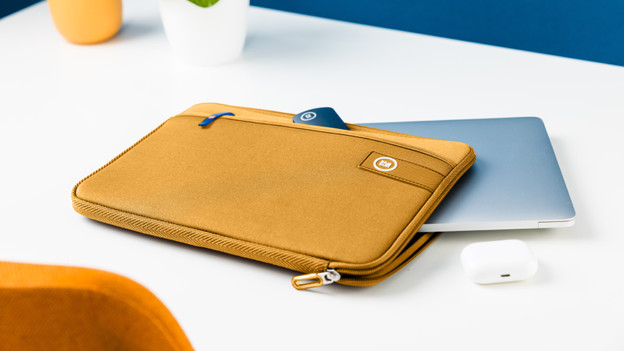
Laptop sleeves
A BlueBuilt laptop sleeve is made of sturdy materials, so it protects your laptop well. It fits nicely around your laptop. The zipper continues to the short side of the sleeve. That allows you to grab your laptop from your backpack without taking out the sleeve. You can easily put accessories in the accessory compartment.
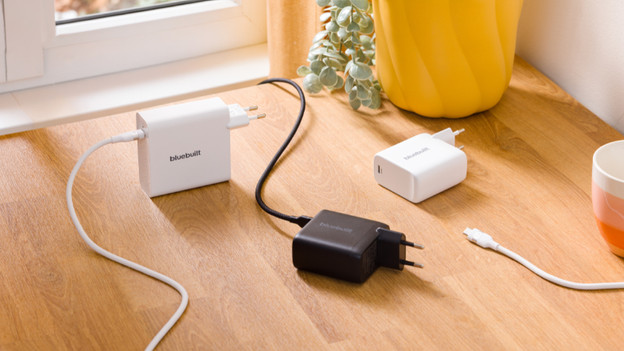
Chargers
With a BlueBuilt laptop charger, you can charge your laptop quickly and safely. these chargers have a USB-C port. This allows you to charge your laptop and use the charger for other devices. A smartphone or headphones, for example.
Frequently asked questions
When is the sale?
From 1 July 2026 to 31 July 2026, you can find the best laptop deals for you during the summer sale. Looking for a Windows laptop, Chromebook, or MacBook? You can find the best laptop winter sale deals for you on this page. From laptops for at home, like browsing the internet and text processing, to laptops for the most demanding graphic design, business use, and gaming.
Which operating system do I need?
Windows is the most well-known operating system and can be used for all kinds usage situations. For an operating system that's compatible with other Apple devices, use macOS. That's suitable for tasks from browsing the internet to 4K video editing. You use Chromebook models when you mostly work online and in the cloud.
What size laptop do I need?
You can easily take a 13 or 14-inch laptop with you in your backpack, thanks to the light weight and compact size. You see more details on a 15 or 16-inch laptop, but you mainly work in 1 spot. You almost only use a 17 or 18-inch laptop in 1 spot. You can clearly see all details on the large screen and easily work with 2 windows side by side.
How do you choose a Windows laptop?
If you often browse the internet and process texts, an Intel Core 3 or AMD Ryzen 3 processor are good enough. To switch between programs like Chrome and Office, you need an Intel Core 5 or AMD Ryzen 5 processor. For demanding tasks like video editing, we recommend an Intel Core 7 or AMD Ryzen 7 processor. You perform the most demanding tasks like 3D design with an Intel Core 9 or AMD Ryzen 9 processor.
How do you choose the right Apple MacBook?
Which MacBook you should choose, depends on your usage situation. Thanks to its light weight, the MacBook Air is ideal for on the go. The MacBook pro weighs a bit more, but is also more powerful. The M2 chip is suitable for light photos and videos. For more demanding video files, choose the M2 Pro chip. Do you develop apps in Xcode or make 3D edits? You need the M2 Max chip.
How do you choose a Chromebook?
If you like to browse the internet, we recommend a Chromebook for daily use. Want to smoothly switch between programs? You need a Chromebook with at least an Intel Core 3 or AMD Ryzen 3 processor. If you want to use your Chromebook as a tablet, a 2-in-1 Chromebook is the best choice for you. For more demanding tasks, we recommend a Chromebook Plus.