USB-C monitors
Search results and filtering
178monitors
Do you want to connect your monitor to an MacBook (2015 or later), MacBook Pro (2016 or later), or a USB-C laptop without an adapter? Choose a USB-C monitor. USB-C (and Thunderbolt 3) support a high resolution and sometimes features a charger function. This lets you charge your laptop or any other external devices via your monitor. With a USB-C monitor, you're purchasing a multi-functional solution to transmit image, data, and power.
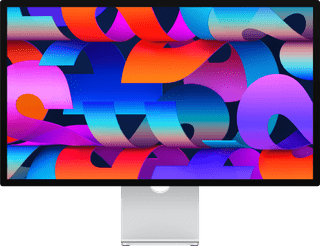

27 inches|Refresh rate 60 Hz|5K
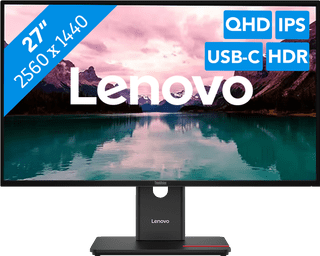

27 inches|Refresh rate 120 Hz|Quad HD (1440p)
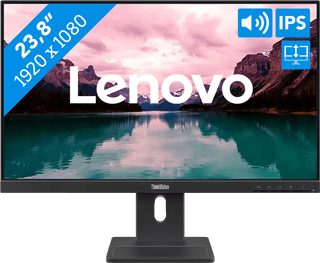
23,8 inches|Refresh rate 100 Hz|Full HD (1080p)
119,-
Not in stock
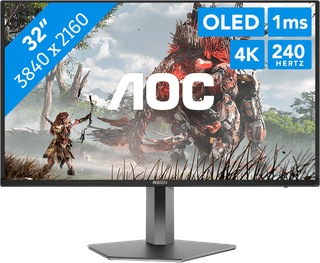

31,5 inches|Refresh rate 240 Hz|4K (UHD)


31,5 inches|Refresh rate 165 Hz|4K (UHD)
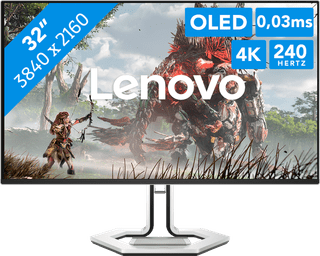
31,5 inches|Refresh rate 240 Hz|4K (UHD)


23,8 inches|Refresh rate 100 Hz|Quad HD (1440p)
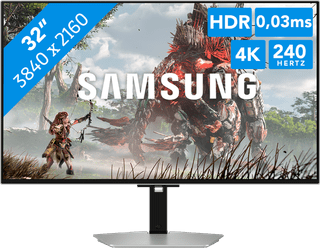

32 inches|Refresh rate 240 Hz|4K (UHD)

27 inches|Refresh rate 60 Hz|5K


27 inches|Refresh rate 320 Hz|Quad HD (1440p)
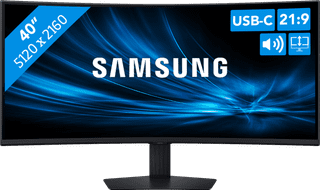
40 inches|Refresh rate 144 Hz|sRGB
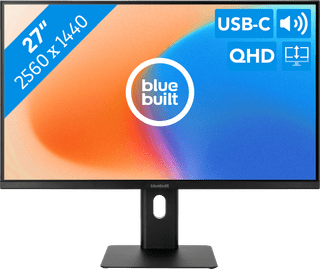

27 inches|Refresh rate 100 Hz|Quad HD (1440p)
167,-
Temporarily sold out

34 inches|Refresh rate 280 Hz|UWQHD
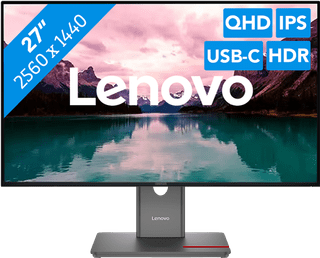
27 inches|Refresh rate 120 Hz|Quad HD (1440p)

27 inches|Refresh rate 200 Hz|Quad HD (1440p)
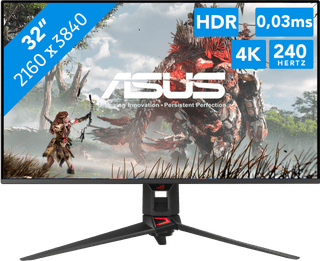

32 inches|Refresh rate 240 Hz|4K (UHD)
1.349,-
Temporarily sold out

27 inches|Refresh rate 60 Hz|5K
1.699,-
Temporarily sold out

27 inches|Refresh rate 120 Hz|5K

27 inches|Refresh rate 120 Hz|5K

27 inches|Refresh rate 80 Hz|5K

27 inches|Refresh rate 120 Hz|5K

27 inches|Refresh rate 60 Hz|5K
2.099,-
Temporarily sold out