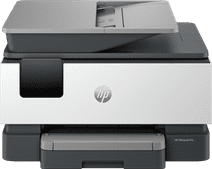
Inkjet printers for at the office
Inkjet printers for at the office
- 4 printers
There are more and more inkjet printers that are suitable for at the office. The difference between laser printers and inkjet printers is that inkjet printer use cartridges instead of toner cartridges. With cartridges, you make sharp prints with vibrant colors. This means you can also print images in addition to texts. With inkjet printers for at the office, you also print faster than with printers for at home. These business printers often have extra functions as well, such as automatic duplex printing and an automatic document feeder. You can store at least 100 sheets in the paper tray, so you don't have to refill it often.
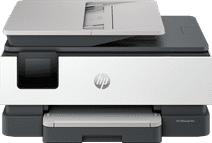

Not automatic duplex scanning
|
Business printing
|
6 eurocents

Not automatic duplex scanning
|
Business printing, Printing at home
|
11 eurocents

Not automatic duplex scanning
|
Business printing, Printing at home
|
11 eurocents
Affordable Second Chance
from
97,-