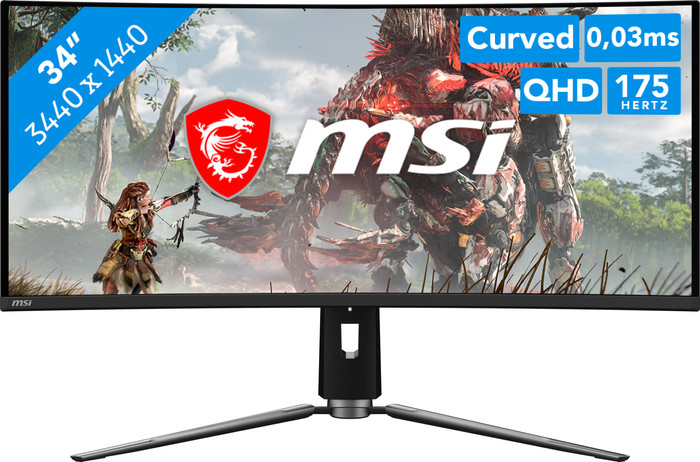
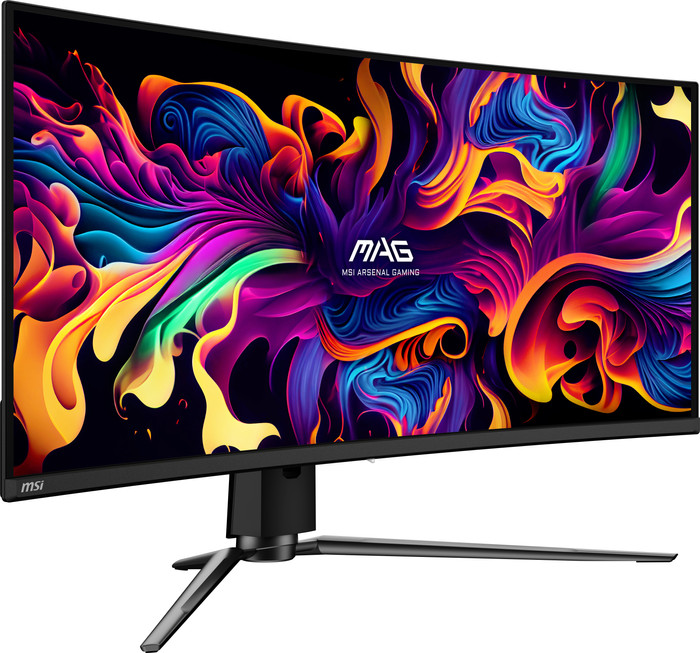
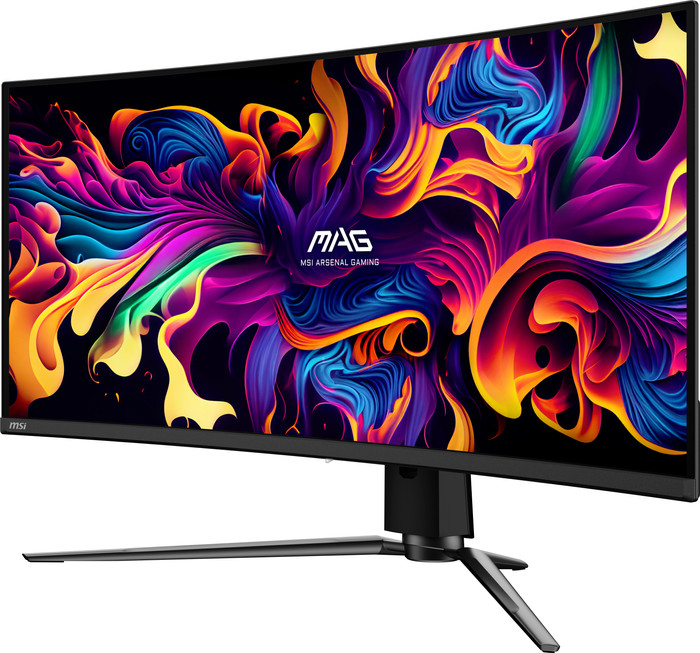
MSI MAG 341CQP QD-OLED












anything for a smile
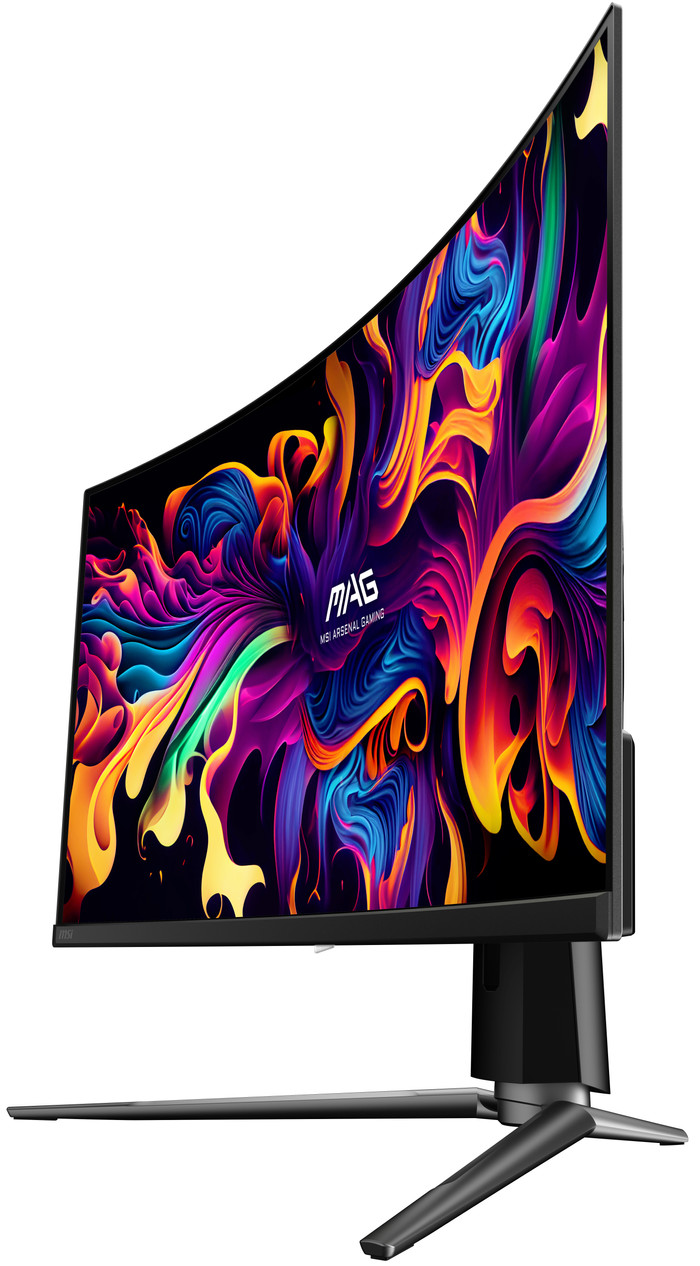
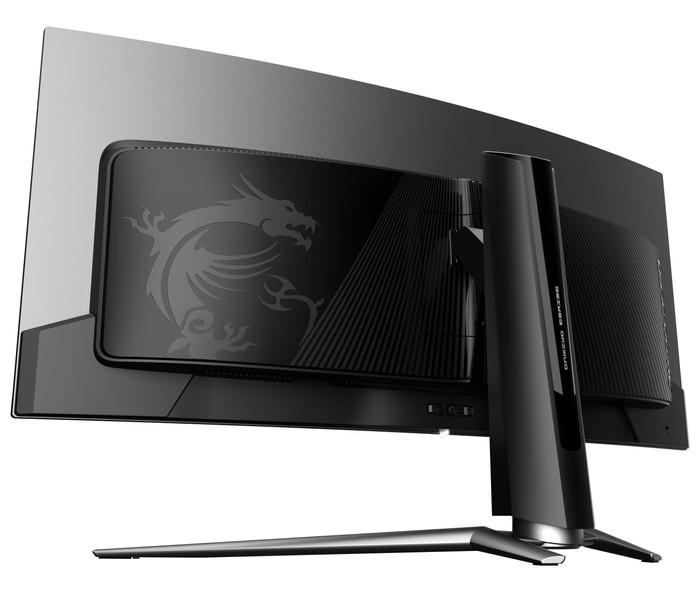
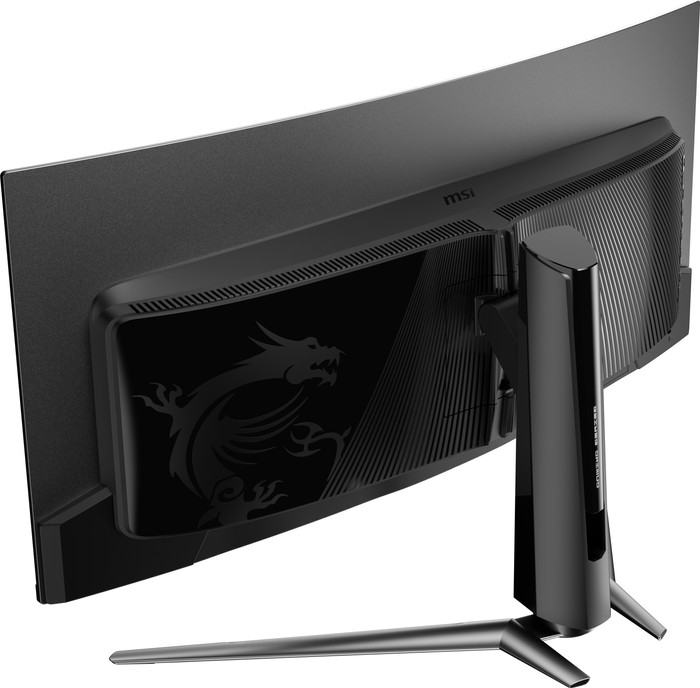
34 inches - WUXGA - 175Hz - OLED - Curved
Choose your monitor
Installation ease
Image quality
Price-quality ratio
Design
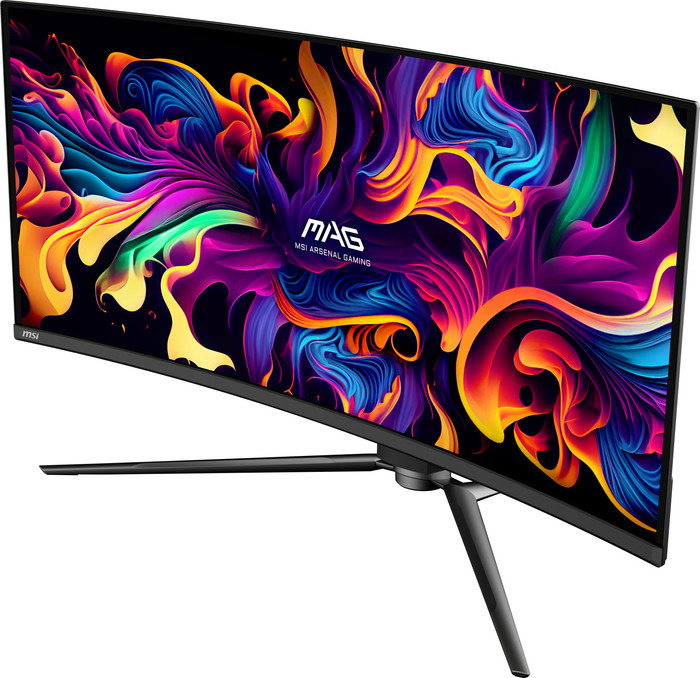
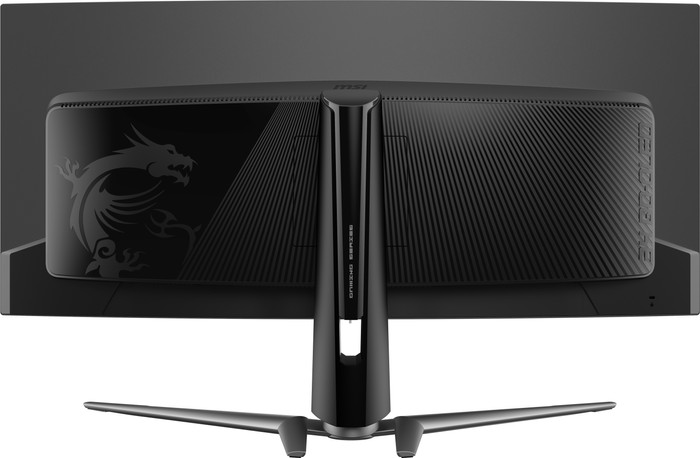
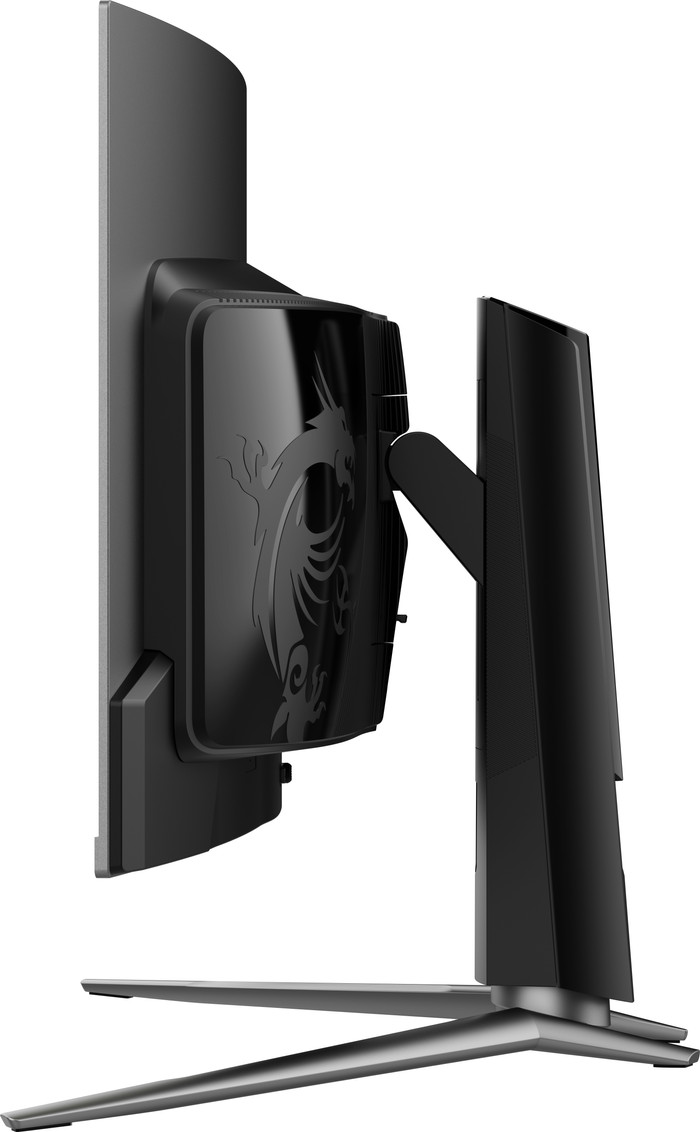
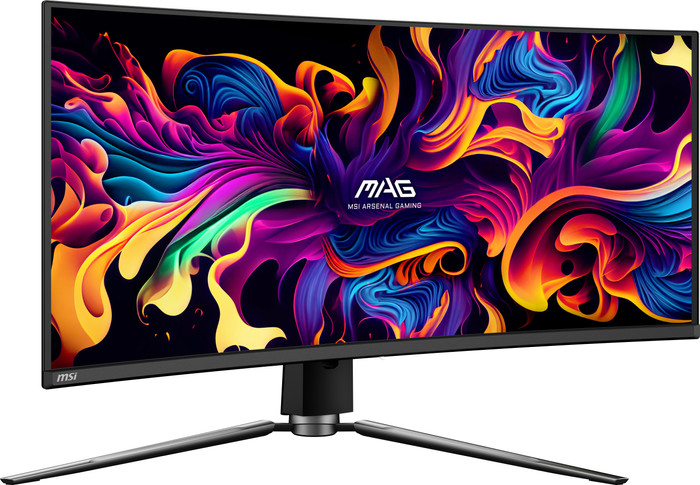
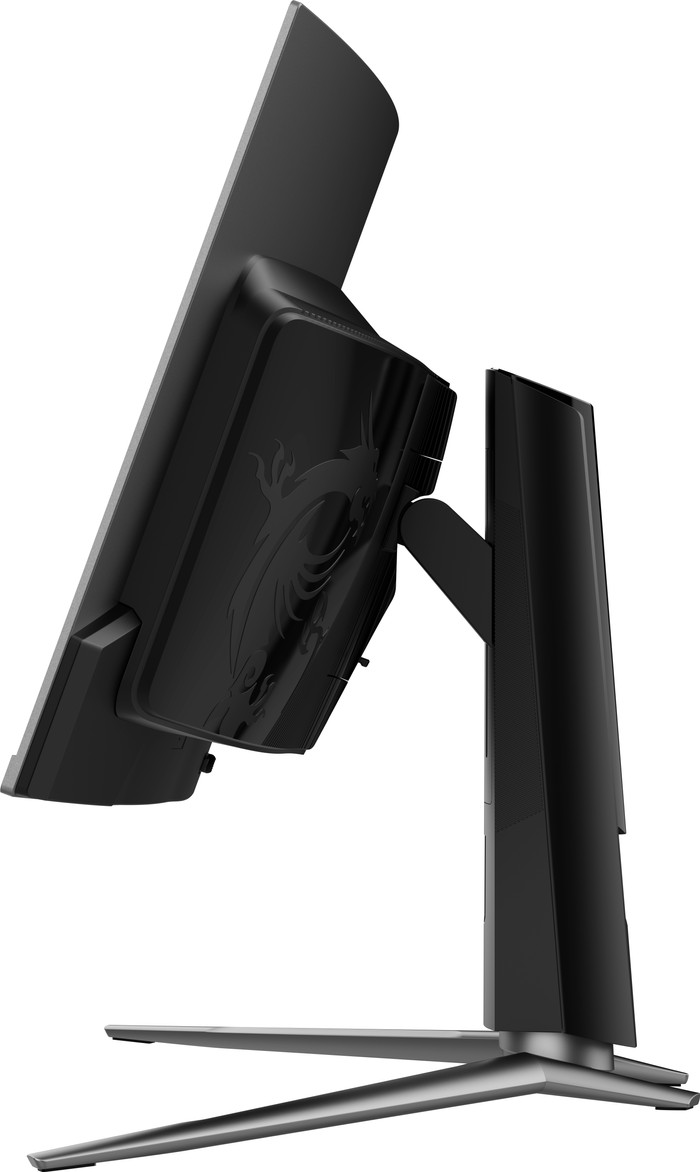
For this entry-level OLED you get a premium screen. The entry-level model does have something that you will have to make a compromise with. The design of the case is below average. The USB ports are at the bottom of the screen, making decent cable management impossible. The footrest is also uncomfortably large on my fairly large desk. Furthermore, we decided to keep it as there are currently no 21:9 OLED monitors with a burn in guarantee. By the way, the picture is simply fantastic, I hardly notice the difference between this screen and 4K.
Robin
9 April 2024
Automatically translated from Nederlands
he likes it very much and is highly recommended
Frank
15 October 2025
Automatically translated from Nederlands
Long doubted to make the switch to an ultrawide screen, but that switch was less of a problem than first thought. Very immersive. If you come from an IPS panel, you will notice that there is text fringing on this panel due to the structure of the oleds. This can be partly solved by installing mactype, but not completely. For gaming, this screen is almost perfect, depending on which game and whether it has ultrawide support. It is therefore possible that some games have black bars in menus. MSI has put a lot of Burn-In prevention in the monitor, sometimes you see a pixel shift when you are looking at text, but this is not noticeable during gaming. After every 4 hours of use, the screen performs a burn in care when switching off the screen. You can see this because the status LED flashes orange, this takes about 5 minutes. You have to take this into account if you, for example, shut down your entire setup using a power strip with an on/off button.
Anthony
14 February 2025
Automatically translated from Nederlands
Our digital expert will help you, but it can sometimes make mistakes, like humans do.
According to our monitor expert
More overview: you can see more of your game and open multiple windows side by side thanks to the ultrawide format.
Game smoothly: you can see fast action smoothly on screen thanks to the 175Hz refresh rate.
Quick on screen: you can see fast motion sharply thanks to the 0.4-millisecond response time.
Less sharp: you can see less detail than on a Quad HD monitor because of the WUXGA resolution.
Not for consoles: ultrawide monitors don't support consoles, so you'll see black bars on the sides of the screen.
Product number | 944698 | |
|---|---|---|
Manufacturer code | MAG 341CQP QD-OLED | |
Brand | MSI | |
Warranty | 3 years | |
Processing of your defect | Via Coolblue |
Screen size | 34 inches | |
|---|---|---|
Recommended display resolution | 3440x1440 | |
Sharpness | WUXGA | |
Aspect ratio | Ultrawide (21:9) | |
Refresh rate | 175 Hz | |
Response time | 0,03 ms | |
Panel type | QD-OLED | |
Brightness | 250 cd/m2 | |
Local dimming | ||
HDR support | ||
Contrast ratio | 1500000 | |
Touchscreen | ||
Type of HDR | DisplayHDR 400 True Black | |
Screen reflection | Anti-glare | |
Blue light filter | ||
Flicker-free technology | ||
Color space | Adobe RGB, DCI-P3, sRGB | |
Adobe RGB color coverage percentage | 97,8 % | |
sRGB color coverage percentage | 139,1 % | |
Color depth | 1 billion colors (10-bit) | |
Adaptive Sync | ||
Type of adaptive sync | FreeSync | |
Resolution width | 3440 pixels | |
Resolution height | 1440 pixels | |
Horizontal viewing angle | 178 ° |
Height | 36,1 cm | |
|---|---|---|
Width | 81,2 cm | |
Depth | 13 cm | |
Weight | 8,8 kg | |
Color | Black | |
Including stand | ||
Material | Plastic | |
Cable management | ||
Appearance | Gaming | |
Curved |
Number of HDMI connectors | 2 | |
|---|---|---|
Number of Female HDMI type A 2.1 ports | 2 | |
Number of headphone jacks | 1 | |
Number of USB-C ports | 2 | |
Number of USB 2.0 Female USB-C ports | 1 | |
Number of female standard USB-A ports | 2 | |
Female standard USB-A port version | 2.0 | |
Type of USB port | Standard USB-A, Standard USB-B (2.0 form), USB-C | |
Number of USB ports | 4 | |
Type of USB cable included | USB-A to USB-B | |
Maximum USB-C dock power | 15 W |
Included by default | HDMI cable, USB cable | |
|---|---|---|
Not included by default | USB-C cable |
Adjustable in height | ||
|---|---|---|
Tiltable | ||
Pivotable stand | ||
Pivot function | ||
VESA mount option | ||
VESA mount | 100x100mm |
Energy label | G | |
|---|---|---|
Energy consumption standby | 0,5 W | |
Energy consumption per 1000h | 50 kWh | |
Annual energy consumption | 73 kWh | |
Annual energy costs | 29,2 euros |
Built-in speakers | ||
|---|---|---|
Webcam | ||
Split screen | ||
Kensington lock |
Recommended for use | Gaming, Image editing and graphic design, Internet, email, and text processing, Photo editing, Video editing, Watching movies in Full HD |
|---|
Receive more coverage in case of damage than with your standard warranty. Coolblue takes care of everything: from taking out the insurance to repairs. Is a repair not possible? You receive the purchase price as CoolblueCredit.
XCover is allowed to arrange and process insurances on behalf of the insurer. The insurances are governed by Belgium law. If you have a complaint, you can contact the or our customer service.
First, add your monitor to your shopping cart. On the next page, choose the Protection Plan below. You always have a 30-day return window and pay no deductible in case of damage.
The insurance can be canceled every year, even if you have paid in advance. If you cancel earlier, you will receive a refund for the overpaid amount.
698,-
698,-
Current product
175 Hz
240 Hz
240 Hz
144 Hz
144 Hz
WUXGA
Quad HD (1440p)
4K (UHD)
WQXGA
Quad HD (1440p)
QD-OLED
OLED
QD-OLED
QD-OLED
OLED
3440x1440
5120x1440
3840x2160
5120x1440
5120x1440
698,-
799,-
899,-
892,-
831,-
Delivered tomorrow
Delivered tomorrow