Written by Deanne
Edited on
18 August 2026
·
09:19
How do you choose a laptop for home use?
Are you looking for a laptop for home use? First think about what you want to do with your laptop. Will you only use the internet, or do you also want to watch movies and keep up with your bookkeeping? Also think about which operating system and size have your preference. In this article, we'll help you on your way.
How can I help you?
Our digital expert will help you, but it can sometimes make mistakes, like humans do.
Choose laptop for home use
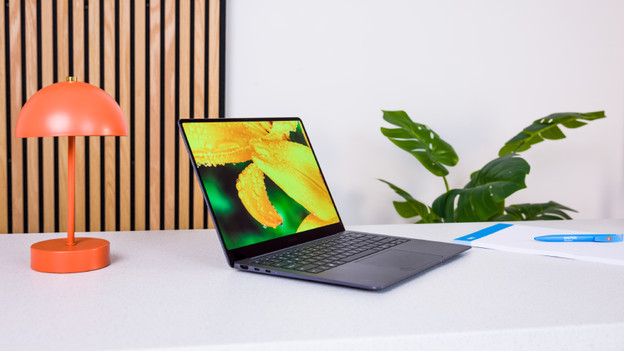
First, think about what kind of things you want to do with your laptop. Then think about which operating system you like best. A Windows laptop has the most popular operating system. An Apple MacBook is nice when you have many other Apple products as they're very compatible. Chromebooks are useful if you often work with Google apps and store files online. Depending on which tasks you perform, you might need a more powerful laptop.

Windows laptops for home use
Internet, email, and text processing
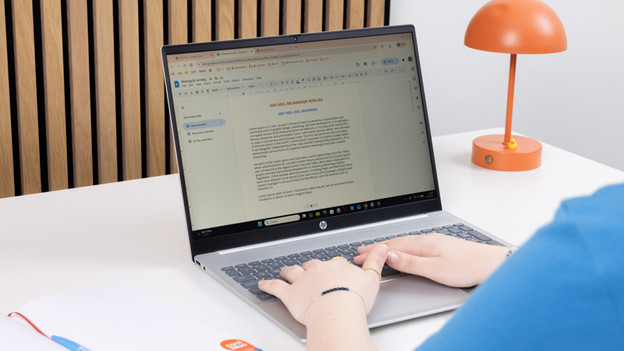
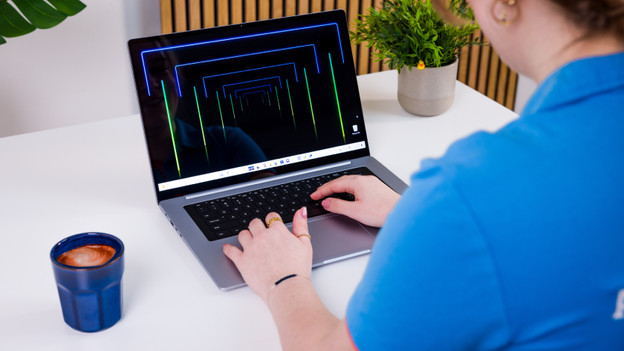
You don't need a powerful laptop to write texts or use the internet. For Windows laptops, we recommend an Intel Core i3 or AMD Ryzen 3 processor with 8GB RAM when you work with light programs. Write stories in Microsoft Word or send emails via Outlook, for example. Browse the internet in your favorite browser, look up recipes, and collect inspiration for your new hobbies. If you want to work faster, we recommend an Intel Core i5 or AMD Ryzen 5 processor.
Make spreadsheets and presentations
Do you make spreadsheets and presentations in programs like Microsoft Excel and Microsoft PowerPoint? You'll need a more powerful processor. That's why you should choose at least an Intel Core i5 or AMD Ryzen 5 processor. With this, you can easily create a budget or do your bookkeeping. You also need at least 16GB RAM so your large spreadsheets and presentations don't slow down. Thanks to the 16GB RAM, you can also smoothly work in multiple programs at the same time.
Apple MacBook or Chromebook for home use

Apple MacBook
Are you mostly going to use your MacBook at home? A MacBook Neo is a good choice. With this MacBook, you can watch your favorite series, shop your new outfit online, update your accounting, and much more. Because these are mostly light tasks, you don't need a powerful processor. Thanks to the small 13-inch size, you can easily use your MacBook anywhere in your home. If you store your files locally, we recommend at least 512GB.
Chromebooks
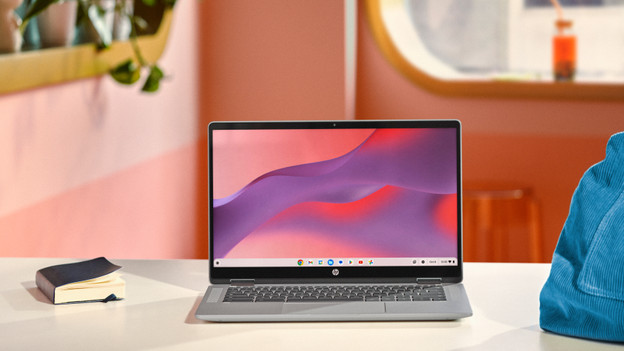
With a Chromebook, you mostly work in Google apps. Because it's a light operating system, you don't need a powerful processor. For browsing the internet, we recommend at least a MediaTek or Snapdragon processor. Do you want to write texts as well? You'll need at least an Intel Celeron processor. Are you going to make spreadsheets and presentations? Choose an Intel Pentium Silver, N100, or N200 processor or stronger. If you switch between many apps, we recommend at least an 8 or 16GB RAM.

Which size do you choose?
Which size suits you best depends on what you want to use your laptop for. Do you often take it to other rooms? A small laptop is convenient for you, but you won't see as many details on your screen. If you only take your laptop with you every once in a while, choose a medium-sized laptop. You can see details well on them and they aren't too large. A large laptop is nice when you often work in 1 spot. You can see all details well on the large screen, but it's less easy to take with you.
Do you want to use your laptop as a tablet as well?
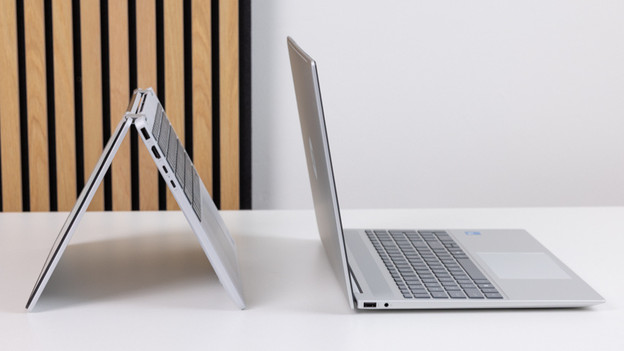
Do you like the ease of a tablet, but also want to easily type with a laptop keyboard? A 2-in-1 laptop suits you well. You can easily turn this laptop into a tablet. Fold the keyboard over 360 degrees and swipe on the touchscreen with your fingers. Play games, take notes, and easily place your 2-in-1 laptop on your lap when you watch a movie. There are 2-in-1 Windows laptops and 2-in-1 Chromebooks.
Article by Deanne
Laptop Expert.