Laptops with high-end security
Laptops with high-end security are equipped with a large amount of security functions, so you can work with privacy-sensitive information without having to worry. These laptops have a TPM chip to encrypt data, a fingerprint sensor, and/or infrared camera, and much more. Many of these laptops use Windows Pro as their operating system. Laptops with high-end security have various speeds, but 1 thing stands without a doubt: in terms of security, they're the best.
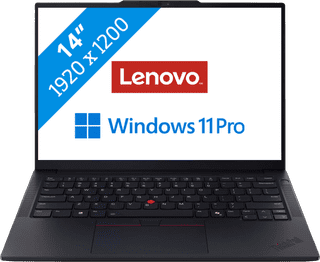

Our choice for a business laptop for data analysis|Powerful enough for business use|Intel Core Ultra 7 255H | 32GB | 1TB SSD|AI support
- You can quickly perform data analyses thanks to the Intel Core Ultra 7 processor and 32GB RAM.
- Thanks to the discrete TPM chip, your data and other sensitive information is well-protected.
- Thanks to the built-in NPU chip, you can enjoy a longer battery life.
1.449,-


Our choice for a MacBook for business use|Apple M5 chip | 16GB RAM | 1TB storage|14 inches|Liquid Retina XDR
- With the M5, you can make presentations and work in large data files.
- Thanks to the smaller 14-inch screen, you can easily take this MacBook with you to customers.
- You never have to worry about charging, thanks to the 24-hour battery life.
2.139,-


Our choice for a business laptop for marketing and content management|Powerful enough for business use|Intel Core Ultra 5 225U | 24GB | 512GB SSD|AI support
- Thanks to the WUXGA resolution, you can edit photos and video for campaigns with lots of details.
- You can edit company photos in Adobe Photoshop without any problems thanks to the Intel Core Ultra 7 processor and 24GB RAM.
- Thanks to the IPS panel, the colors look lively from every viewing angle.
1.299,-
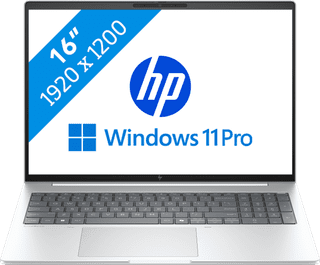
Our choice for a business laptop suitable for photo editing|Powerful enough for business use|Intel Core Ultra 7 256V | 16GB | 512GB SSD|Discrete TPM
- You can work in programs like Adobe Photoshop and InDesign smoothly thanks to the Core Ultra 7 processor with AI support.
- Thanks to the IPS panel, you can work with bright colors from every viewing angle.
- Thanks to the 100% coverage of the sRGB color space, you can enjoy realistic colors.
1.399,-

Our choice for a Chromebook that you can also use as a tablet|ChromeOS instead of Windows|Intel N100 - 8GB - 128GB eMMC|Foldable touchscreen
- You can flip the touchscreen 360 degrees and turn the Chromebook into a tablet.
- You can smoothly take notes or make sketches and swipe through apps via the touchscreen.
- You can easily work on your files on the go, because this Chromebook has a lot of local storage and it only weighs 1.4kg.
429,--7%
399,-
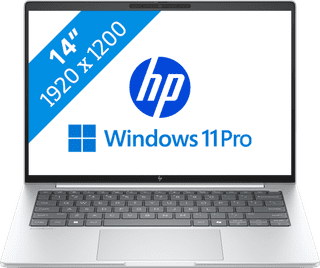
Our choice for a business laptop suitable for on the go|Powerful enough for business use|Intel Core Ultra 7 256V | 16GB | 512GB SSD|Discrete TPM
- Thanks to the compact size, you can easily take the laptop with you and continue working on your projects on the train.
- With Windows Pro, you can remotely log in via Remote Desktop, so you can easily continue working on the go.
- Thanks to the aluminum casing, this laptop is well-protected from scratches or bumps.
1.399,-
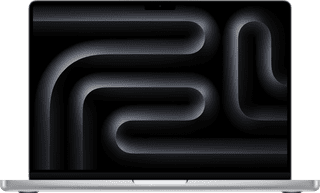
Our choice for a MacBook for photo and video editing|Apple M5 Pro chip|24GB RAM|16 graphics cores
- All your creations render quickly thanks to the powerful M5 Pro chip.
- You can enjoy razor-sharp images and bright colors on the Liquid Retina XDR display.
- Thanks to the high RAM, you can quickly switch between multiple large projects.
2.849,-


Our choice for a Chromebook for light graphic tasks|ChromeOS instead of Windows|Intel Core i5 - 8GB - 256GB SSD|Touchscreen
- You can work smoothly on light, graphic tasks thanks to the powerful processor and RAM.
- You can smoothly perform graphics tasks and use AI while you work, because this powerful Chromebook is a Chromebook Plus.
- You can smoothly take notes or make sketches and quickly swipe through apps via the touchscreen.
659,-