Written by Deanne
Edited on
9 October 2026
·
12:30
Advice on the build quality of a laptop
The build quality of your laptop determines how well your laptop is protected against bumps and scratches. It also determines how well your laptop can withstand various conditions, like high and low temperatures. In this article, we'll tell you what to expect from the build quality of your laptop.
How do we determine build quality?
We determine the build quality based on the material of the laptop and on whether your laptop passed a military-grade test. The material of your laptop determines how sturdy your laptop is and how well it can withstand bumps or scratches. If your laptop passed a military-grade test, it's better protected against falls, vibrations, humidity, high and low temperatures, and dust.
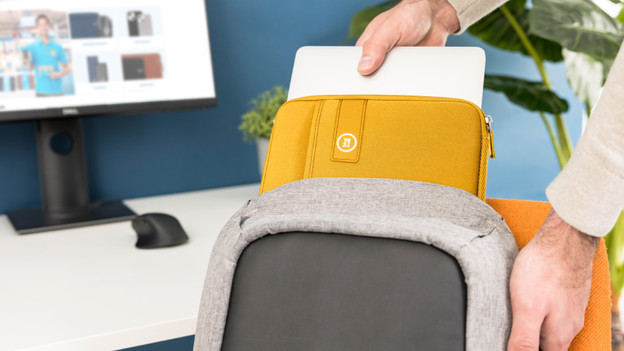
Basic
Laptops with a basic build quality have a plastic casing. These laptops are less protected against bumps and scratches. We recommend a basic build quality if you don't take your laptop with you on the go ogten. We also recommend using a laptop cover.
A laptop in this category has:
- A plastic casing
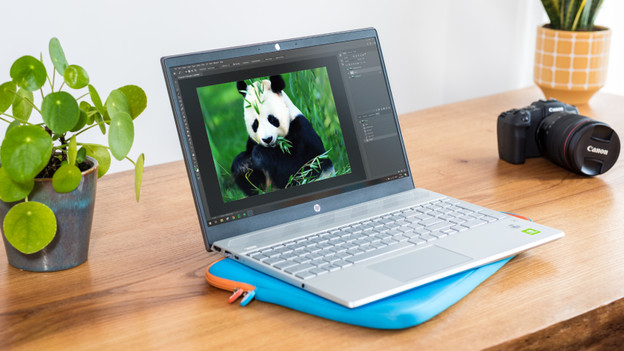
Mid-range
Laptops with a mid-range build quality have a metal casing. These laptops are well-protected against bumps and scratches. That's why you can easily take these laptops with you on the go without having to worry.
A laptop in this category has:
- A metal casing
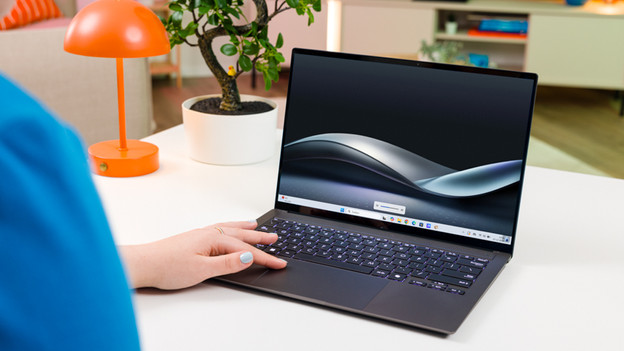
High-end
Laptops with a high-end built quality have passed military-grade testing. These laptops also have a metal casing and have the best protection against bumps, scratches, and other conditions. These laptops can withstand vibrations, dust, and moist well, for example. In addition, it doesn't affect these laptops as much if you use them at high or low temperatures.
A laptop in this category has:
- A metal casing
- Passed military-grade testing
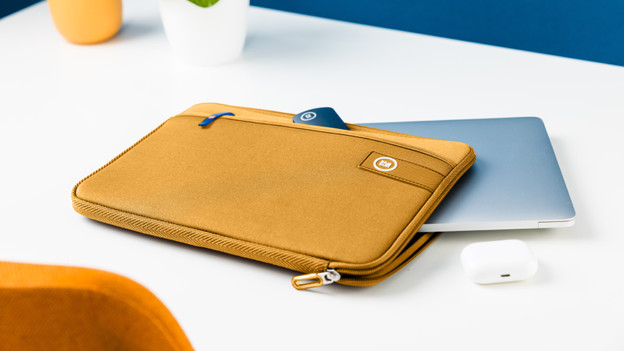
More protection with a laptop cover
Want to protect your laptop even better? Use a laptop cover. This protects your laptop better against bumps and scratches. Which laptop cover suits you, depends on the size of your laptop. So carefully check the size of the laptop cover and that of your laptop.
Article by Deanne
Laptop Expert.