

Coolblue's Choice Business monitors USB-C
2 monitors
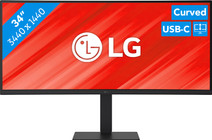

Our choice for a business monitor for data and finance tasks
|
34 inches
| 3440x1440 resolution
| HDMI, DisplayPort, USB-C

- The large ultrawide size allows you to open multiple windows side by side, such as an Excel sheet and a Word document.
- Thanks to the Quad HD resolution, you can see numbers in columns and rows more sharply.
- Thanks to the 100Hz refresh rate, you can smoothly scroll through long spreadsheets and web pages without the text becoming blurry.
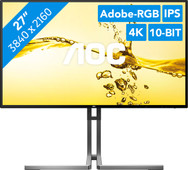
Our choice for a 27-inch monitor for photo and video editing
|
27 inches
| 3840x2160 resolution
| HDMI, DisplayPort
- You can edit the tiniest details of photos and videos thanks to the 4K resolution, DisplayHDR 400 support, and DCI-P3 color coverage.
- Thanks to the IPS panel, you can see bright colors and sharp images from every viewing angle.
- Thanks to the USB-C dock, you can charge your laptop, transfer data, and transmit image signals with 1 cable.
