Laptops with touchscreen
On touchscreen laptops you work with your fingers like on a smartphone. For example, you can scroll through websites or long documents with simple finger movements across the screen. You can also make a pinching motion to zoom in or out. Naturally, you can also operate a touch laptop with a keyboard and mouse. Choose a touchscreen laptop if you also want to operate the device with your own fingers instead of just with a computer mouse.
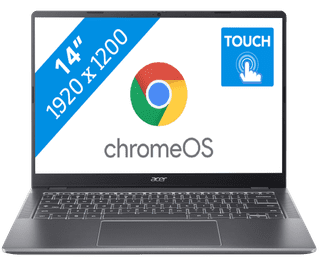

Our choice for a Chromebook for your school or studies|ChromeOS instead of Windows|Intel Core 3 - 8GB - 128GB SSD|Touchscreen
439,--14%
379,-
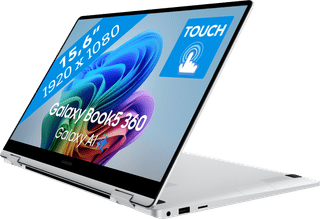

Suitable for light programs|Intel Core Ultra 5 | 16GB | 512GB SSD|Touchscreen
1.099,-
1.069,-

Our choice for a Chromebook that you can also use as a tablet|ChromeOS instead of Windows|Intel N100 - 8GB - 128GB eMMC|Foldable touchscreen
429,--7%
399,-
4


Suitable for demanding programs|Intel Core Ultra 7 - 16GB - 1TB SSD|Copilot+ PC
999,-
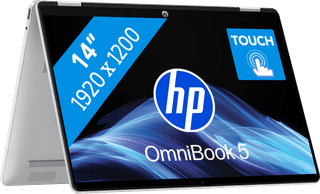
Internet, email, and text processing|Intel Core 3 | 8GB | 256GB SSD|Backlit keyboard
899,--6%
849,-

Suitable for light programs|Intel Core Ultra 5 | 16GB | 512GB SSD|Foldable touchscreen
980,-
949,-
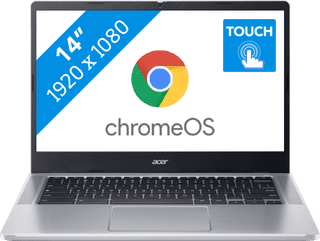
ChromeOS instead of Windows|Intel N100 - 4GB - 64GB eMMC|Touchscreen
379,--21%
299,-
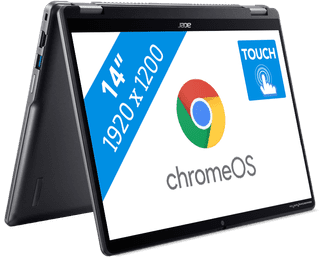
ChromeOS instead of Windows|Intel Core 3 - 8GB - 256GB SSD|Foldable touchscreen
649,--14%
559,-
9
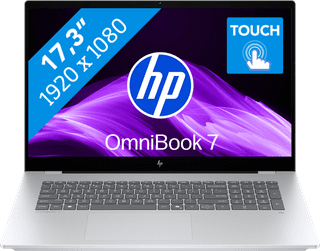

Our choice for a 17-inch Windows laptop for light video editing|Suitable for demanding programs|Intel Core Ultra 7 | 16GB | 1TB SSD|Touchscreen
1.429,-

Suitable for demanding programs|Intel Core Ultra 7 | 32GB | 1TB SSD|2 screens
1.699,-
