Welcome to your environment! You can order everything from your assortment with your personal budget here.

You can always return to the normal Coolblue website by clicking here.

Your outstanding budget (incl. VAT) is always visible here, so you know exactly how much you can spend.

Coolblue home

Help with your product

Samsung Galaxy A37 128GB Black 5G Enterprise Edition + Complete Accessory Pack
0 reviews

Charge the Samsung Galaxy A37 128GB Black 5G Enterprise Edition + Basic Accessory Pack quickly with the included BlueBuilt 65W Charger Black. Within 30 minutes, the battery charges to about 70%. With the BlueBuilt Black Book Case from the accessory pack, you protect your smartphone from damage. The A37 Enterprise Edition is a business smartphone with high-quality cameras. With the 3 cameras on the back of the A37, you can take razor-sharp photos and record videos in 4K quality. On the 6.7-inch Full HD screen, you can watch series or movies in high quality. The Samsung A37 is suitable for average tasks. For example, you can play light games and use social media apps. Thanks to the large 5,000mAh battery, the Samsung A37 lasts a long time. With average use, the battery lasts all day. You can charge the battery to about 70% within 30 minutes with a separately available 45W fast charger. The 128GB storage gives you room for apps, photos, and other files. Choose the 256GB version of the Samsung A37 if you need more space to download movies or series, for example.

Read all tips here

Which product do you want to see articles about?

Sell your iPhone for a discount

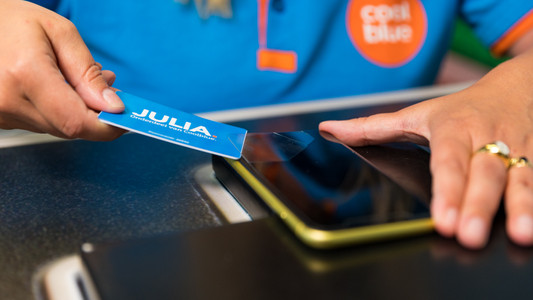
Want to sell your old iPhone? At Coolblue, you can trade in your old iPhone for a discount on a new one. Order your new iPhone and trade in your old device within 30 days in our store. We'll give you the trade-in value of your old model as a discount. Selling your iPhone is good for the environment and your wallet.

4 tips to get more out of your Samsung smartphone

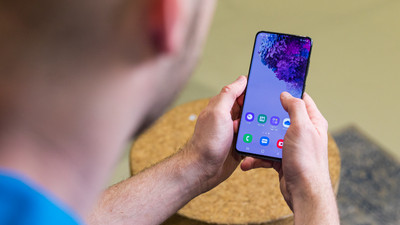
You have a new Samsung smartphone and you know how to use it pretty well. There's still a chance that you don't know all useful features yet. Do you know how to easily control your device with 1 hand? In this article, we'll give 7 tips, so you can get the most out of your Samsung smartphone.

Sell your Samsung phone for a discount

With Samsung Upgrade, you can trade in your old device at a Coolblue store for a discount on a new Samsung Galaxy smartphone. That's good for your wallet. It's also a sustainable choice, because we give your old smartphone a second life.

3 tips for when the battery of your Samsung smartphone doesn't work.

Won't the battery of your Samsung smartphone charge or does it charge very slowly? In this article, we've listed various tips to solve this problem.

How can I find the IMEI number of my phone?

Every telephone has a unique IMEI number. This allows you to find useful information from a telephone, such as how old the device is or who the owner is. This can come in handy if your phone breaks so you can see if it's under warranty. Also useful if you want to report your stolen phone. I explain how to find the IMEI number here.
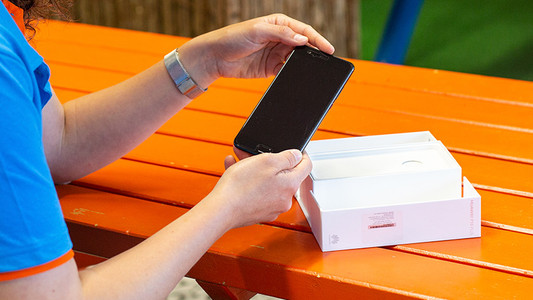
3 tips for when the screen of your Samsung smartphone doesn't respond properly

If the screen of your Samsung smartphone doesn't respond anymore, it doesn't necessarily mean that it's broken. Sometimes it helps to reset your device. In other cases, the phone case or screen protector is the problem. In this article, we'll give you some tips, so you can use your screen the way you're used to again.

Which Samsung smartphone do you have?

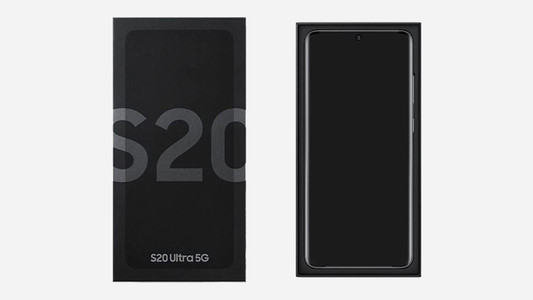
When you buy a case, screen protector, or charger for your Samsung smartphone, you want to be sure the accessories are suitable for your device. Don't know for sure which Samsung smartphone you have? You can find the name of your device on the original packaging or on the settings menu. On this page, we explain how this works.

Tips for charging your smartphone

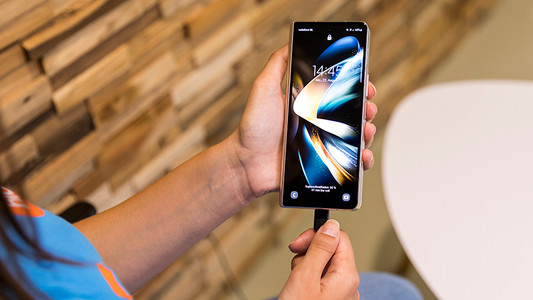
You probably charge your smartphone every day. When you charge it the right way, your battery wears less and your device lasts longer. We'll explain why it's better not to charge your smartphone up to 100% and why fast charging is convenient here. That way, you'll know exactly how to properly charge your smartphone, tablet, or other device.
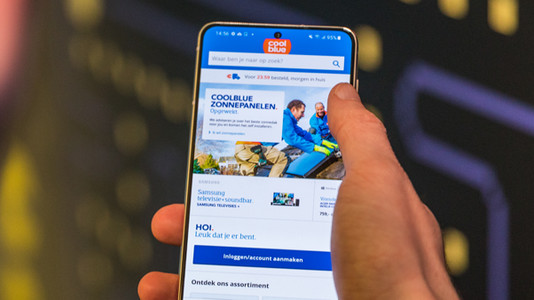
Tips for charging your smartphone

You probably charge your smartphone every day. When you charge it the right way, your battery wears less and your device lasts longer. We'll explain why it's better not to charge your smartphone up to 100% and why fast charging is convenient here. That way, you'll know exactly how to properly charge your smartphone, tablet, or other device.
Sell your iPhone for a discount

Want to sell your old iPhone? At Coolblue, you can trade in your old iPhone for a discount on a new one. Order your new iPhone and trade in your old device within 30 days in our store. We'll give you the trade-in value of your old model as a discount. Selling your iPhone is good for the environment and your wallet.
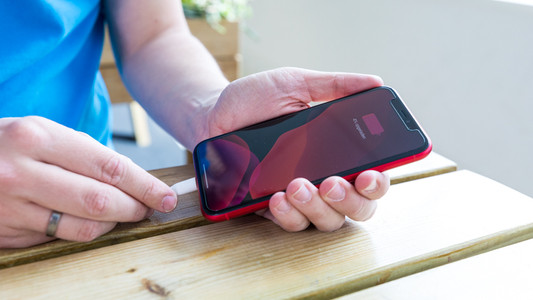
4 tips to get more out of your Samsung smartphone

You have a new Samsung smartphone and you know how to use it pretty well. There's still a chance that you don't know all useful features yet. Do you know how to easily control your device with 1 hand? In this article, we'll give 7 tips, so you can get the most out of your Samsung smartphone.

Sell your Samsung phone for a discount

With Samsung Upgrade, you can trade in your old device at a Coolblue store for a discount on a new Samsung Galaxy smartphone. That's good for your wallet. It's also a sustainable choice, because we give your old smartphone a second life.

3 tips for when the battery of your Samsung smartphone doesn't work.

Won't the battery of your Samsung smartphone charge or does it charge very slowly? In this article, we've listed various tips to solve this problem.

How can I find the IMEI number of my phone?

Every telephone has a unique IMEI number. This allows you to find useful information from a telephone, such as how old the device is or who the owner is. This can come in handy if your phone breaks so you can see if it's under warranty. Also useful if you want to report your stolen phone. I explain how to find the IMEI number here.

3 tips for when the screen of your Samsung smartphone doesn't respond properly

If the screen of your Samsung smartphone doesn't respond anymore, it doesn't necessarily mean that it's broken. Sometimes it helps to reset your device. In other cases, the phone case or screen protector is the problem. In this article, we'll give you some tips, so you can use your screen the way you're used to again.

Which Samsung smartphone do you have?

When you buy a case, screen protector, or charger for your Samsung smartphone, you want to be sure the accessories are suitable for your device. Don't know for sure which Samsung smartphone you have? You can find the name of your device on the original packaging or on the settings menu. On this page, we explain how this works.

Subjects

Didn't find your answer?

Find an answer to your question quickly and easily via our customer service.

Coolblue specialist
Personal chat Digitalk.
You're now chatting with Coolblue customer service
This chat is closed
foo
Oeps File size is larger than 5MB. Upload a smaller file.