Welcome to your environment! You can order everything from your assortment with your personal budget here.

You can always return to the normal Coolblue website by clicking here.

Your outstanding budget (incl. VAT) is always visible here, so you know exactly how much you can spend.

Coolblue home

Help with your product
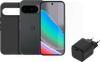
Google Pixel 10 256GB Black 5G + Complete Accessory Pack

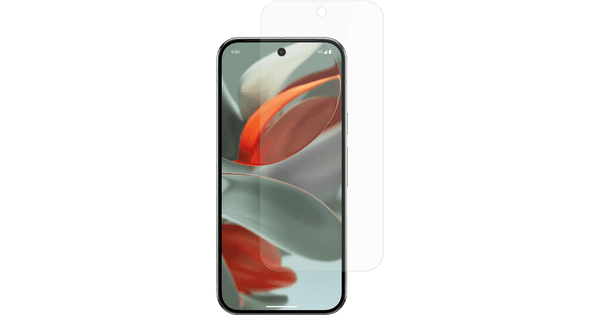
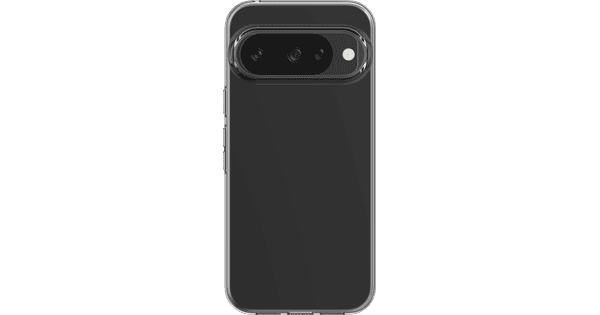
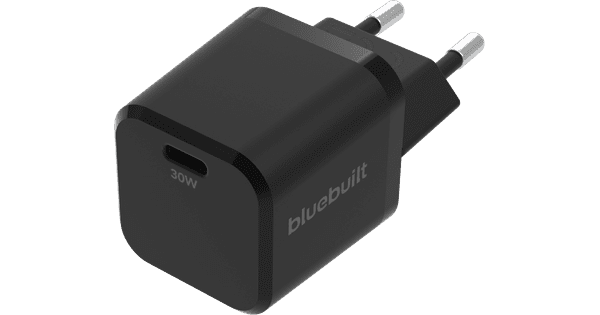
Protect your Google Pixel 10 256GB Black 5G + Complete Accessory Pack from damage with the screen protector and case from the accessory pack. You can charge the battery back up very fast with the BlueBuilt charger. The Google Pixel 10 is a compact smartphone with powerful performance. You can use the device for demanding apps and games. You can easily control the 6.3-inch OLED display with 1 hand. The size also makes it easy to carry the Pixel 10 in your pocket. The Google Pixel 10 has the Gemini Live feature. This lets you see information on your screen right away, get help taking photos, or have texts summarized. With the 3 cameras, you can take colorful photos during the day and at night, and zoom in 5 times without losing quality. The 4,970mAh battery lasts a full day with average use. With a separately available 30W fast charger, you can charge the battery to about 60 percent in 30 minutes. The Pixel 10 has 256GB of storage space. This gives you room for your apps, photos, and other files.

Read all tips here

Which product do you want to see articles about?

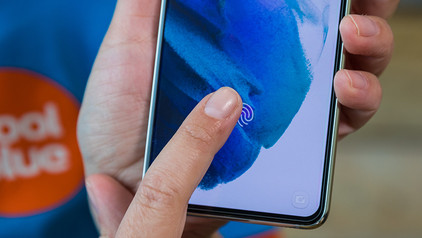
How do you apply a glass screen protector with a fingerprint scanner under the screen?

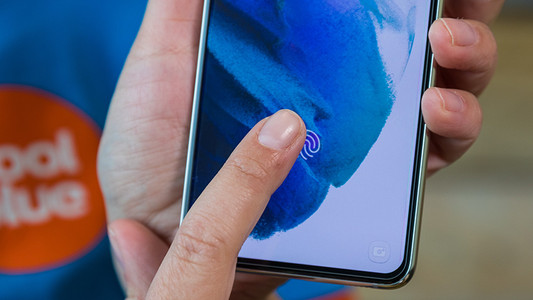
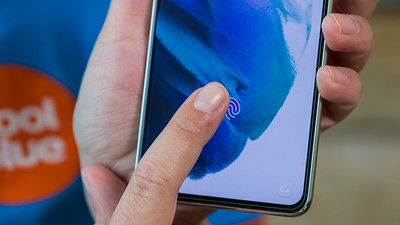
Sometimes, your fingerprint scanner doesn't work properly when you stick a glass screen protector onto your screen. As a result, you suddenly can't unlock your smartphone with your fingerprint anymore. You can fix this by changing your phone settings. We'll explain what you have to do to make your in-screen fingerprint scanner work again in 3 steps here.


How do you apply a glass screen protector with a fingerprint scanner under the screen?

Sometimes, your fingerprint scanner doesn't work properly when you stick a glass screen protector onto your screen. As a result, you suddenly can't unlock your smartphone with your fingerprint anymore. You can fix this by changing your phone settings. We'll explain what you have to do to make your in-screen fingerprint scanner work again in 3 steps here.

How do you apply a glass screen protector with a fingerprint scanner under the screen?

Sometimes, your fingerprint scanner doesn't work properly when you stick a glass screen protector onto your screen. As a result, you suddenly can't unlock your smartphone with your fingerprint anymore. You can fix this by changing your phone settings. We'll explain what you have to do to make your in-screen fingerprint scanner work again in 3 steps here.
Sell your iPhone for a discount

Want to sell your old iPhone? At Coolblue, you can trade in your old iPhone for a discount on a new one. Order your new iPhone and trade in your old device within 30 days in our store. We'll give you the trade-in value of your old model as a discount. Selling your iPhone is good for the environment and your wallet.

How can I find the IMEI number of my phone?

Every telephone has a unique IMEI number. This allows you to find useful information from a telephone, such as how old the device is or who the owner is. This can come in handy if your phone breaks so you can see if it's under warranty. Also useful if you want to report your stolen phone. I explain how to find the IMEI number here.

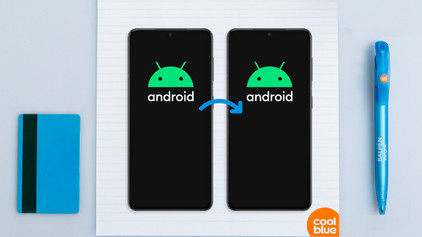
How do I update my Android version?

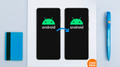
Every new version of Android provides improvements. In this article, I'll explain how to provide your smartphone with the latest version of Android. If you go through the steps below, you can be sure that your device has the latest Android operating system.

Tips for charging your smartphone

You probably charge your smartphone every day. When you charge it the right way, your battery wears less and your device lasts longer. We'll explain why it's better not to charge your smartphone up to 100% and why fast charging is convenient here. That way, you'll know exactly how to properly charge your smartphone, tablet, or other device.

5 tips to free up storage on your phone

You know the feeling: you're about to make a World-Press-Photo-worthy picture, only to get the 'Storage almost full' notification. Argh, no picture and frustration galore. Fortunately, there are some easy ways to free up storage on your phone, so you can make that award-winning photo after all.

8 tips to take better photos with your smartphone

Did you get your new smartphone, and do you want to go out to take beautiful photos? In this article, we'll give you 8 tips on how to take the most beautiful smartphone photos. You'll get tips on the software of your smartphone camera, but we'll also explain about lighting and compositions. After reading this article, you'll know exactly how to take the right photo.

Tips for charging your smartphone

You probably charge your smartphone every day. When you charge it the right way, your battery wears less and your device lasts longer. We'll explain why it's better not to charge your smartphone up to 100% and why fast charging is convenient here. That way, you'll know exactly how to properly charge your smartphone, tablet, or other device.

Tips for charging your smartphone

You probably charge your smartphone every day. When you charge it the right way, your battery wears less and your device lasts longer. We'll explain why it's better not to charge your smartphone up to 100% and why fast charging is convenient here. That way, you'll know exactly how to properly charge your smartphone, tablet, or other device.

How do you apply a glass screen protector with a fingerprint scanner under the screen?

Sometimes, your fingerprint scanner doesn't work properly when you stick a glass screen protector onto your screen. As a result, you suddenly can't unlock your smartphone with your fingerprint anymore. You can fix this by changing your phone settings. We'll explain what you have to do to make your in-screen fingerprint scanner work again in 3 steps here.

How do you apply a glass screen protector with a fingerprint scanner under the screen?

Sometimes, your fingerprint scanner doesn't work properly when you stick a glass screen protector onto your screen. As a result, you suddenly can't unlock your smartphone with your fingerprint anymore. You can fix this by changing your phone settings. We'll explain what you have to do to make your in-screen fingerprint scanner work again in 3 steps here.

How do you apply a glass screen protector with a fingerprint scanner under the screen?

Sometimes, your fingerprint scanner doesn't work properly when you stick a glass screen protector onto your screen. As a result, you suddenly can't unlock your smartphone with your fingerprint anymore. You can fix this by changing your phone settings. We'll explain what you have to do to make your in-screen fingerprint scanner work again in 3 steps here.
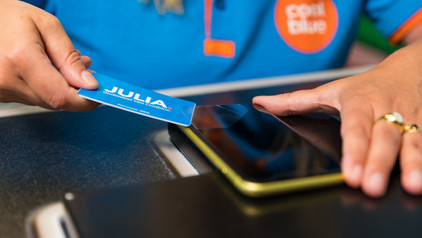
How do you remove your old screen protector from your screen?

Before you apply a new screen protector, you have to remove the old screen protector from your device first. Often, it's not a good idea to just pull it off. The glass of the screen protector can break and give shards, for example. That's why we explain 3 ways to safely remove your screen protector.

Sell your iPhone for a discount

Want to sell your old iPhone? At Coolblue, you can trade in your old iPhone for a discount on a new one. Order your new iPhone and trade in your old device within 30 days in our store. We'll give you the trade-in value of your old model as a discount. Selling your iPhone is good for the environment and your wallet.

How can I find the IMEI number of my phone?

Every telephone has a unique IMEI number. This allows you to find useful information from a telephone, such as how old the device is or who the owner is. This can come in handy if your phone breaks so you can see if it's under warranty. Also useful if you want to report your stolen phone. I explain how to find the IMEI number here.
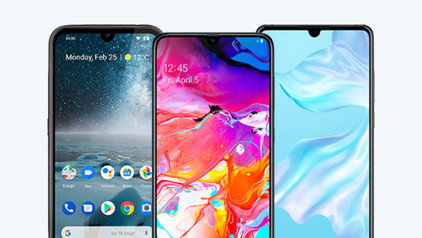
How do I update my Android version?

Every new version of Android provides improvements. In this article, I'll explain how to provide your smartphone with the latest version of Android. If you go through the steps below, you can be sure that your device has the latest Android operating system.

Tips for charging your smartphone

You probably charge your smartphone every day. When you charge it the right way, your battery wears less and your device lasts longer. We'll explain why it's better not to charge your smartphone up to 100% and why fast charging is convenient here. That way, you'll know exactly how to properly charge your smartphone, tablet, or other device.
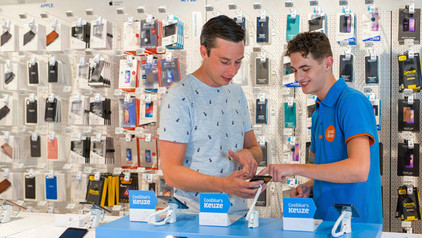
5 tips to free up storage on your phone

You know the feeling: you're about to make a World-Press-Photo-worthy picture, only to get the 'Storage almost full' notification. Argh, no picture and frustration galore. Fortunately, there are some easy ways to free up storage on your phone, so you can make that award-winning photo after all.
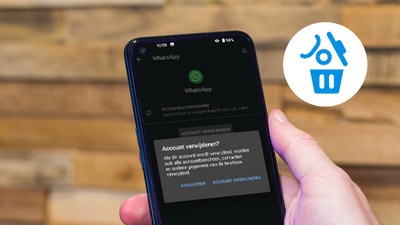
8 tips to take better photos with your smartphone

Did you get your new smartphone, and do you want to go out to take beautiful photos? In this article, we'll give you 8 tips on how to take the most beautiful smartphone photos. You'll get tips on the software of your smartphone camera, but we'll also explain about lighting and compositions. After reading this article, you'll know exactly how to take the right photo.

Subjects

Didn't find your answer?

Find an answer to your question quickly and easily via our customer service.

Coolblue specialist
Personal chat Digitalk.
You're now chatting with Coolblue customer service
This chat is closed
foo
Oeps File size is larger than 5MB. Upload a smaller file.