Written by Tobias
Edited on
9 September 2024
·
14:28
3 tips for increasing the storage capacity of your laptop
Is the storage of your laptop full? Luckily, there are many options for extra storage space. Cloud storage or external storage, for example. In this article, you'll read 3 tips to expand the storage capacity of your laptop.
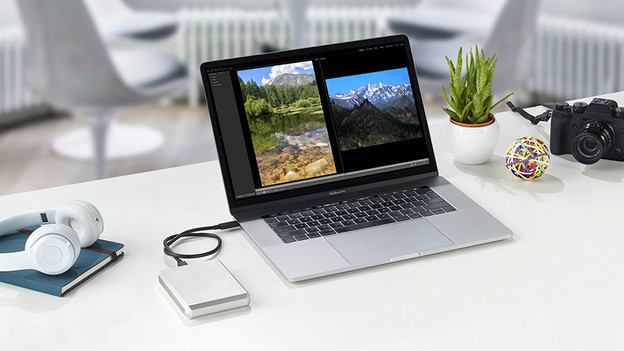
Tips to increase your storage capacity
The easiest way to get extra storage for your laptop is via Google Drive or OneDrive. Files and information you store here, are stored on a server. Use an external hard drive if you need a lot of storage space.
- Use Google Drive
- Use OneDrive
- Use an external hard drive
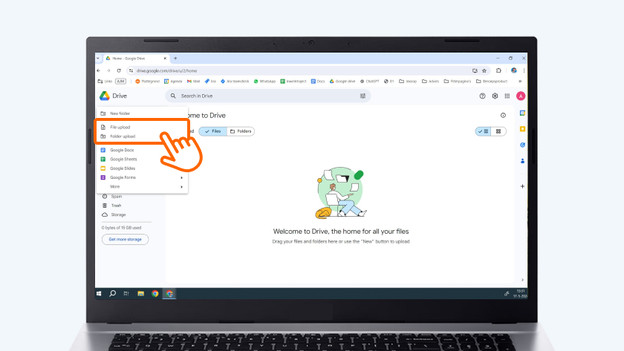
Tip 1: use Google Drive
Do you often use Google services? Store files via Google Drive. You have 15GB of free cloud storage on a Google account.
- Open Google Drive on your laptop and upload all files and folders you want to transfer.
- Click on New.
- Then choose File upload or Folder upload.

Tip 2: use OneDrive
Do you often use Microsoft services? Store your files via OneDrive. You have 5GB of free cloud storage on a Microsoft account.
- Open OneDrive on your laptop and upload all files and folders you want to store.
- Click on Upload.
- Then choose Files or Folder.
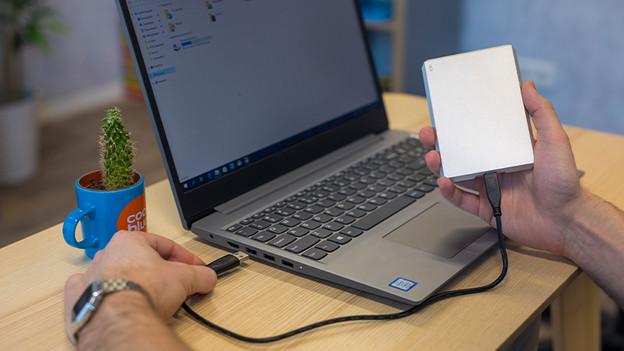
Tip 3: use an external hard drive
If Google Drive or OneDrive don't provide enough space for all your files, use an external hard drive.
- Connect the external hard drive to your laptop and move the files you want to transfer to the external hard drive.
- Select the files in File Explorer and drag them to the external hard drive. You'll find the external hard drive in the left menu of File Explorer.
Article by Tobias
Laptop Expert.