Written by Deanne
Edited on
2 April 2025
·
07:36
How do you choose a laptop for video editing?
Want to edit videos, but aren't you sure which laptop suits you? First consider what type of videos you want to edit. If you edit some short videos every now and then, you don't need a powerful laptop. For professional and RAW video editing, we recommend a more powerful laptop. In this article, we explain how to choose a Windows laptop for video editing.

Choose a Windows laptop for video editing
Which Windows laptop for video editing suits you best, depends on what you'll use it for:
- Want to edit light videos as a hobby?
- Want to edit videos professionally?
- Want to edit videos in 4K?
- Want to edit RAW videos?
- Which screen quality do you need?
- Which programs do you need?

Want to edit light videos as a hobby?
Do you sometimes edit videos and want to edit as a hobby? you don't need a powerful laptop. We do recommendan Intel Core i7, Ultra 7, or AMD Ryzen 7 processor. That way, you can smoothly edit vacation videos or short videos in programs like Adobe Premiere Pro.

Want to edit videos professionally?
Need to edit videos for your work? You need a powerful laptop. Choose at least an Intel Core i7, Ultra 7, or AMD 7 Ryzen processor, 32GB RAM, and a dedicated video card. That way, you can smoothly edit videos the entire working day. With the dedicated video card, your videos render faster and you can edit larger video files. Choose an Intel Core i9, Ultra 9, or AMD Ryzen 9 if you want to edit videos even faster. It's also important to have enough storage space for all your videos. For large video files, you often need 1TB storage or more.
Want to edit videos in 4K?
For 4K video editing, we recommend at laptop or monitor with a 4K screen. That way, you can see all details of your videos. It's also important that your laptop renders 4K videos quickly. That's why you need at least an Intel Core i7, Ultra 7, or AMD Ryzen 7 processor, 32GB RAM, and a dedicated video card. 4K videos take up a lot of storage space, so we recommend 1TB storage or more if you want to store many 4K videos.

Want to edit RAW videos?
With RAW video editing, it's mainly important that you have a lot of storage space. RAW videos take up a lot of space. That's why we recommend an external SSD, so you always have enough storage space for all your RAW videos. RAW video files also require more processing power from your laptop. We recommend laptops with at least an Intel Core i7, Ultra 7, or AMD Ryzen 7 processor, 32GB RAM, and a dedicated video card. Choose an Intel Core i9, Ultra 9, or AMD Ryzen 9 processor if you want to edit RAW videos even faster.

Which screen quality do you need?
Thanks to a high screen quality, you can see all details clearly while video editing. With an OLED or Mini-LED panel type, colors are more realistic and more colorful. In addition, color spaces and color depth play an important role in how you see the colors on your screen. The larger the color space, the intenser the colors on your screen thanks to the bright color tones. With more color depth, you enjoy a better color transition. That way, the red tones of a sunset blend in together more realistically. We recommend DCI-P3 for video editing.

Which programs do you need?
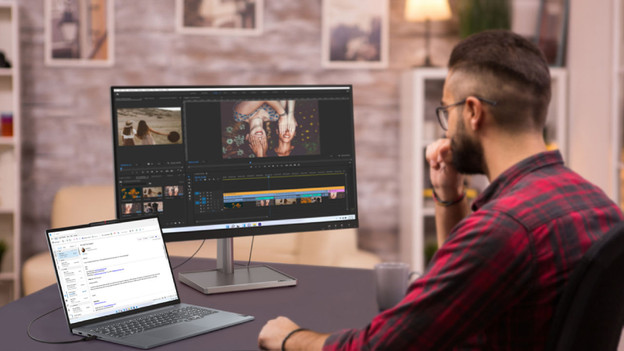
The most popular program for video editing is Adobe Premiere Pro. This program is useful for beginners and for professionals. You can use special effects and easily edit color gradations. You can also add audio effects, mix background noises, and shorten videos. Want to edit videos professionally, but don't know how? AI can help you. With Generative Extend, you can add frame, extend ambient noise, and ensure smooth transitions. You can also easily remove images in the background of your videos, such as lamp stands and microphones.

Personal advice in the stores
Do you want to hold or test your potential new laptop first? Or would you like personal advice from an expert? Make an appointment to visit our store. We'll take our time to help you out. And if you've made up your mind, we'll set up your new laptop for you right away.