Welcome to your environment! You can order everything from your assortment with your personal budget here.

You can always return to the normal Coolblue website by clicking here.

Your outstanding budget (incl. VAT) is always visible here, so you know exactly how much you can spend.

Coolblue home

Help with your product
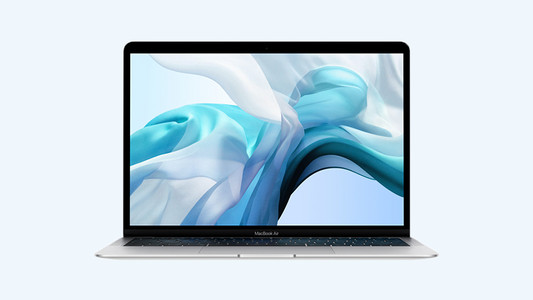
Apple MacBook Air 13.3'' 8/128GB - 1.6GHZ
Screen size:
13,3 inches
Processor:
Intel Core i5
Internal RAM:
8 GB

Read all tips here

How do you upgrade from Windows Home to Windows Pro?

You have a laptop or computer with Windows Home and want to upgrade it to Windows Pro. Because you want to use the PC for business, for example. In the step-by-step plan, we'll explain what you need and how to do this installation from start to finish.

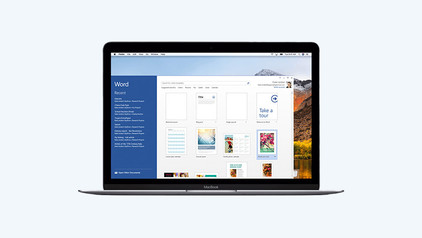
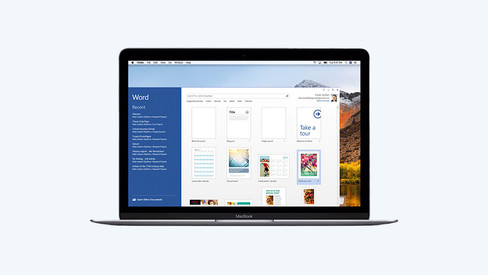
Microsoft Office use on a MacBook

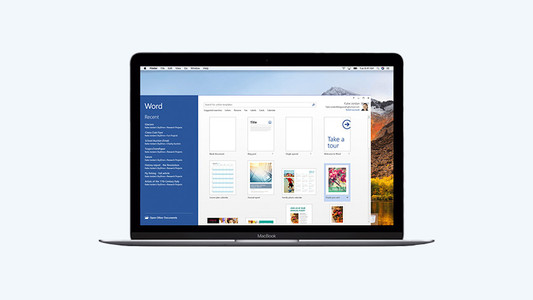
Are you looking for a new MacBook, but want to work with Microsoft Office instead of Apple iWork? That's no problem, because you can also use programs such as Microsoft Word and Excel with macOS. You do need a Microsoft Office suite for this. Read how to use this license and which version to choose in this article.

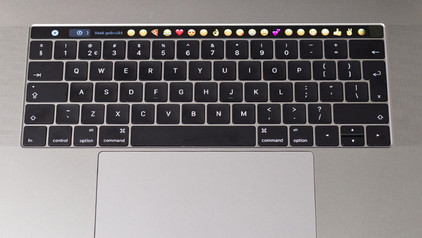
How do you turn on the keyboard lighting on your laptop?

Some laptops have a backlit keyboard, but how do you turn on the keyboard backlight? In this article, we'll explain how to turn on the backlight, because every laptop is different.

How do you turn on the keyboard lighting on your laptop?

Some laptops have a backlit keyboard, but how do you turn on the keyboard backlight? In this article, we'll explain how to turn on the backlight, because every laptop is different.

How do I set up split screen on my MacBook?

When you want to be as productive as possible, working with split screen is a great option. Thanks to split screen, you can use 2 apps full-screen side by side. That way, everything you need is shown in a clear overview. You can read how split screen works on your MacBook here. It takes some time getting used to in the beginning, but it's not complicated.
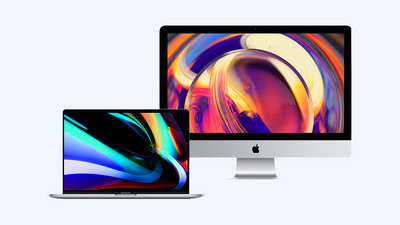
Get the most out of the Photos app on your Apple MacBook

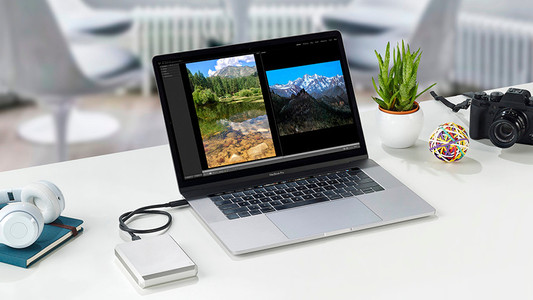
Apple has a default Photos app where you store all images and videos. Thanks to the Apple ecosystem, this app works together with your iPhone and/or iPad. This app secretly has quite a lot of features. In this article, we'll tell you more about the useful functions of Photos.

Everything on MacBook Upgrade at Coolblue

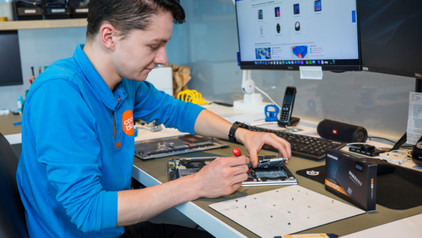
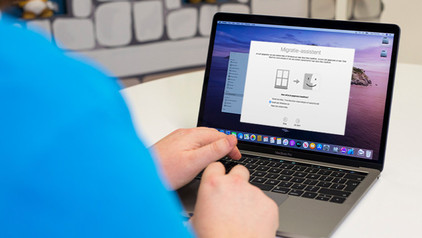
With MacBook Upgrade, you can trade in your old MacBook for a new model. This is a more affordable and sustainable choice. That's because you get a discount on your new MacBook and we give your old device a second life. In this article, we'll explain everything about MacBook Upgrade at Coolblue.
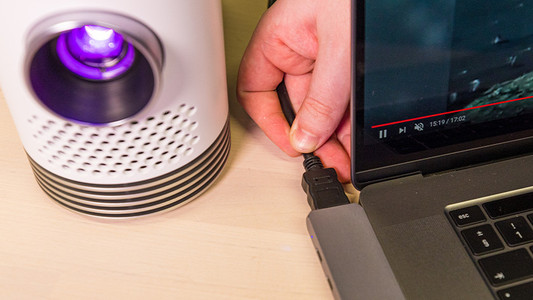

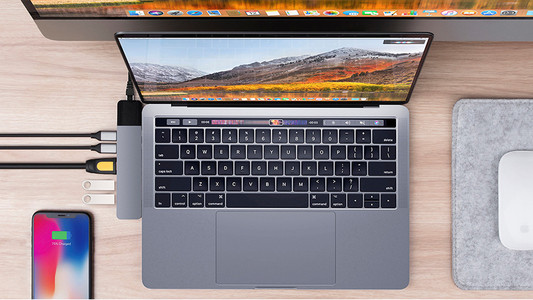
What connectors does a laptop have?

You're looking for a connector on your laptop, but you don't know what it looks like. Or you want to buy a laptop and you want to know what you can use the connectors for. On this page, we'll list the most important connectors for you. This way, you can be sure you have the right connector.

How do I set up my email on my MacBook?

You have a new Apple MacBook, iMac, or Mac Mini and you want to get started with it as soon as possible. After the installation of macOS, it's time to set up your email so you're up to date on your new Apple appliance. Here, we explain how to set up your email in macOS in 2 steps.

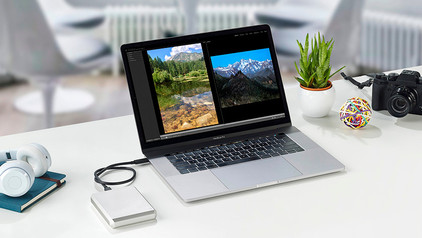
3 tips for increasing the storage capacity of your laptop

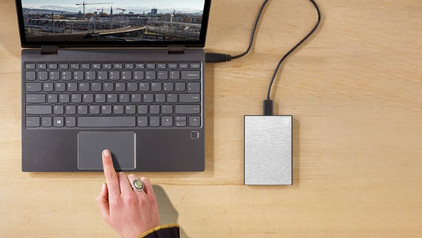
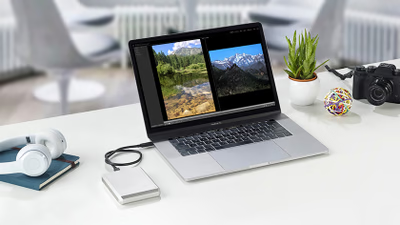
Is the storage of your laptop full? Luckily, there are many options for extra storage space. Cloud storage or external storage, for example. In this article, you'll read 3 tips to expand the storage capacity of your laptop.

3 tips to use the Apple iPad with your Apple MacBook

One of the most important reasons to choose Apple is the eco system. The products have been designed so that they work well together. This is also true for the Apple iPad and the Apple MacBook. They complement each other well, so you can perform your tasks smoothly on them. Here, we'll give you 4 tips to use your Apple iPad with your Apple MacBook.

Subjects
Didn't find your answer?

Find an answer to your question quickly and easily via our customer service.

Coolblue specialist
Personal chat Digitalk.
You're now chatting with Coolblue customer service
This chat is closed
foo
Oeps File size is larger than 5MB. Upload a smaller file.