Welcome to your environment! You can order everything from your assortment with your personal budget here.

You can always return to the normal Coolblue website by clicking here.

Your outstanding budget (incl. VAT) is always visible here, so you know exactly how much you can spend.

Coolblue home

Help with your product

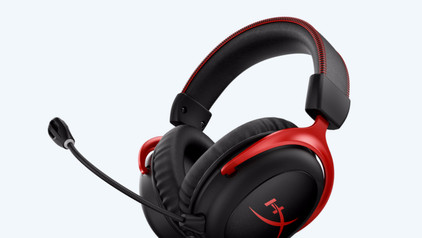
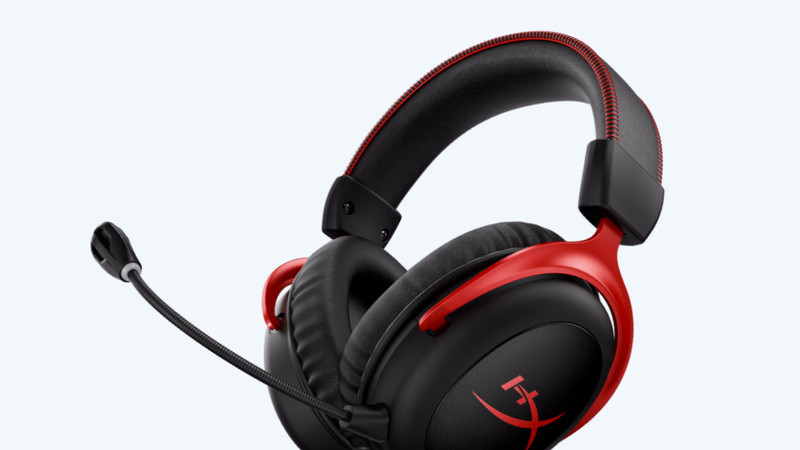
HP Victus 15-fa2975nb AZERTY + HyperX Cloud III Wired Gaming Headset

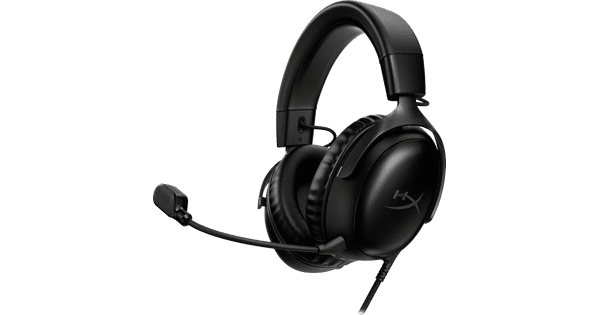
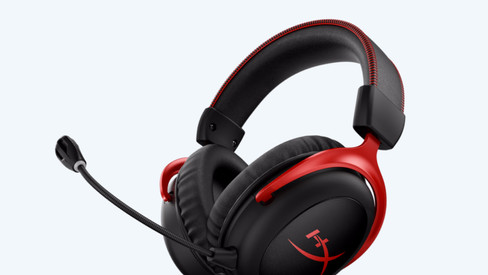
Play medium demanding games while you communicate online with your friends with the HP Victus 15-fa2975nd + HyperX Cloud III Wired Gaming Headset bundle. With the NVIDIA GeForce RTX 5060 video card, the Intel Core i7 processor, and 16GB DDR4 RAM in the laptop, you have enough power for streaming, video editing, and industrial design. You can see fast-moving images smoothly on the screen, thanks to the 144Hz refresh rate. That's useful if you play fast games. You can also see the screen well in brightly-lit rooms, thanks to the 300-nit brightness. Mainly game at night? You can press the right buttons on the backlit keyboard. The gaming headset is plug and play via the 3.5mm audio cable or USB-A dongle. Thanks to the noise suppression of the headset, you're always clearly audible. If you don't need a microphone, you can easily remove it from the headset. Note: always connect the charger while gaming, or your performance won't be as good and the battery will run out in a few hours. Advice from our gaming laptop expert: Photo editing: suitable Video editing: suitable Virtual reality: suitable Streaming: suitable Game design and 3D animation: unsuitable, at least an i9/Ryzen 9 processor Wondering if the GeForce RTX 5060 video card in this laptop can run your favorite game at high settings (60 fps)? Check the list below to see if this laptop meets the recommended system requirements: League of Legends: suitable Fortnite: suitable EA Sports FC 25: suitable Call of Duty: Modern Warfare III: suitable Hogwarts Legacy: suitable Elden Ring: unsuitable, at least an RTX 5070/4070 video card Microsoft Flight Simulator: unsuitable, at least an RTX 5070/4070 video card Receive an email with a personal voucher code for 1 free year of Norton 360 Deluxe antivirus 24 hours after purchase.

Read all tips here

Which product do you want to see articles about?

How do you turn on the keyboard lighting on your laptop?

Some laptops have a backlit keyboard, but how do you turn on the keyboard backlight? In this article, we'll explain how to turn on the backlight, because every laptop is different.

How do you upgrade to Windows 11?

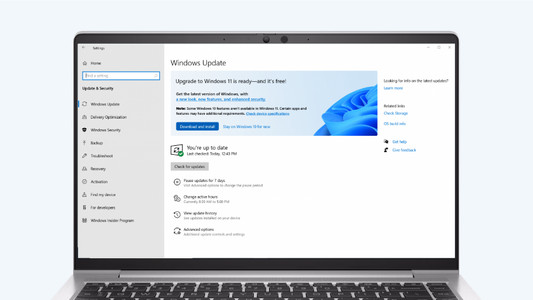
Do you want to upgrade Windows 10 to Windows 11, but don't know how that works? In this article, we'll help you out. You can update many Windows 10 laptops and desktops to Windows 11 for free. This is the latest Windows version. You can easily install the Windows 11 upgrade in 4 steps.

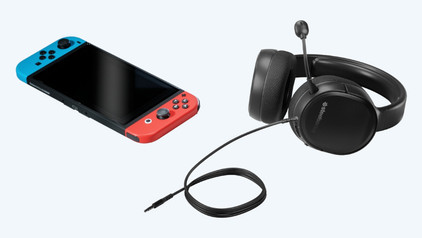
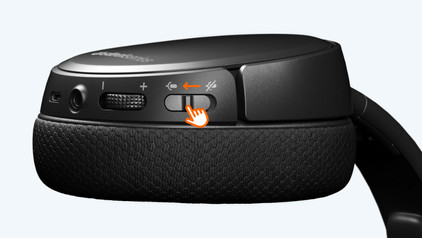
How do you solve sound problems with your Xbox Series X and S gaming headset?

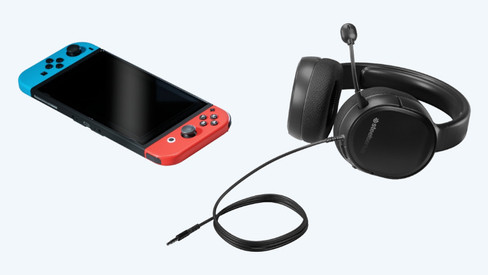
Do you notice that the sound stutters or even disappears? There are a number of solutions to these problems. For example, update your controller or restart your Xbox. In this article, we'll tell you exactly how to solve these sound problems. This way, you can quickly play games again with the sound you're used to.

How do you turn on the keyboard lighting on your laptop?

Some laptops have a backlit keyboard, but how do you turn on the keyboard backlight? In this article, we'll explain how to turn on the backlight, because every laptop is different.

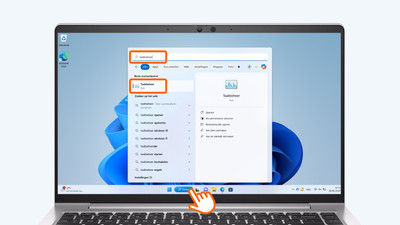
How do you upgrade to Windows 11?

Do you want to upgrade Windows 10 to Windows 11, but don't know how that works? In this article, we'll help you out. You can update many Windows 10 laptops and desktops to Windows 11 for free. This is the latest Windows version. You can easily install the Windows 11 upgrade in 4 steps.

How do you transfer files from a laptop to a new one?

You have a new laptop and want to transfer the files from your old laptop. In this article, you can read how to transfer data from your old laptop to your new laptop.

What connectors does a laptop have?

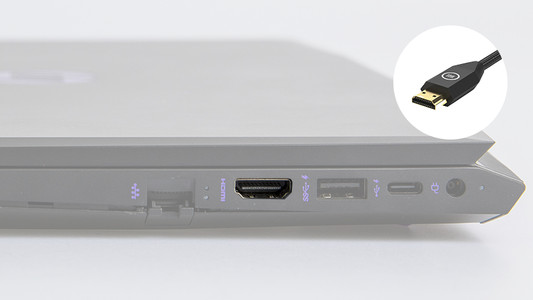
You're looking for a connector on your laptop, but you don't know what it looks like. Or you want to buy a laptop and you want to know what you can use the connectors for. On this page, we'll list the most important connectors for you. This way, you can be sure you have the right connector.

Subjects
Didn't find your answer?

Find an answer to your question quickly and easily via our customer service.

Coolblue specialist
Personal chat Digitalk.
You're now chatting with Coolblue customer service
This chat is closed
foo
Oeps File size is larger than 5MB. Upload a smaller file.