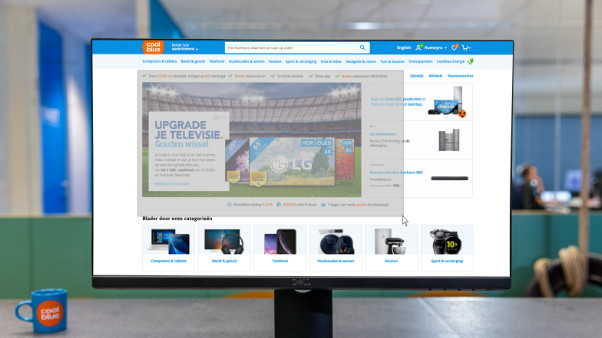
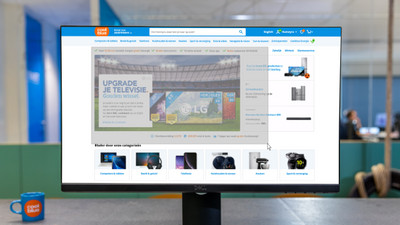
Welcome to your environment! You can order everything from your assortment with your personal budget here.

You can always return to the normal Coolblue website by clicking here.

Your outstanding budget (incl. VAT) is always visible here, so you know exactly how much you can spend.

Coolblue home

Help with your product
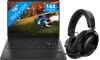
HP OMEN 16-am0975nb + HyperX Cloud III S Wireless Black
0 reviews

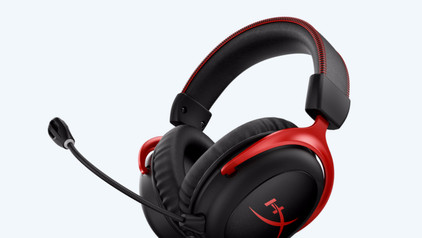
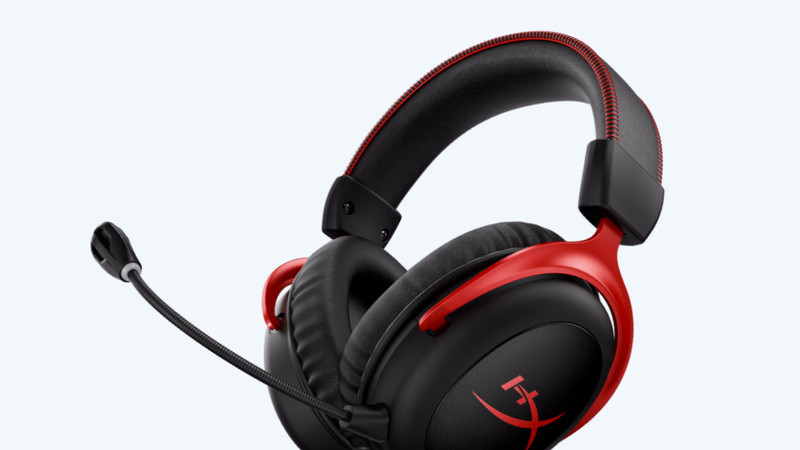
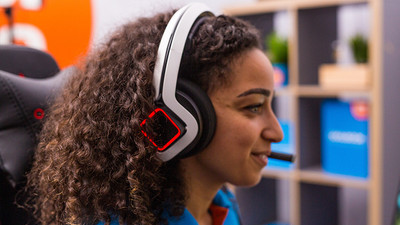
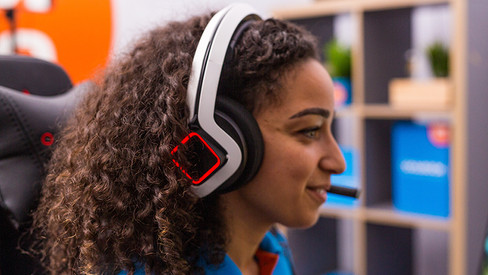
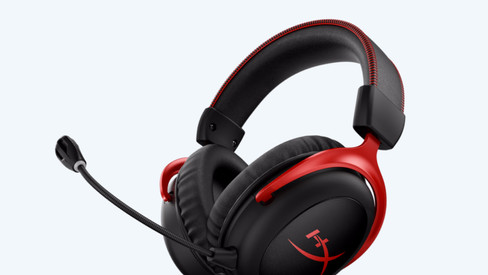
Play your favorite medium demanding games smoothly on the HP OMEN 16-am0975nb and enjoy high-quality in-game audio with the HyperX Cloud III S Wireless Black. The NVIDIA GeForce RTX 5060 video card lets you play games like Hogwarts Legacy, Battlefield 6, and Borderlands 4. The Intel Core 7 Series 2 processor and 16GB DDR5 RAM are powerful enough for streaming and video editing. This way, your viewers can enjoy your gaming action. While you game, you can enjoy clear audio through the HyperX headset. You can connect this headset to your gaming laptop wirelessly. This way, you won't have to deal with cables while you game. Thanks to the surround sound, you can hear all game audio around you in 360 degrees. This way, you'll always know where your opponents are and stay 1 step ahead. Don't need the microphone? You can easily remove it from the headset. Note: always connect the charger while you game. If you don't, you'll get lower performance and the battery will run out within a few hours. Our gaming laptop expert recommends this for: Photo editing: suitable Video editing: suitable Virtual reality: suitable Streaming: suitable Game design and 3D animation: unsuitable, at least an i9/Ryzen 9 processor required Want to know if the GeForce RTX 5060 video card in this laptop can run your favorite game at high settings (60 fps)? Check the list below to see if this laptop/desktop meets the recommended system requirements: League of Legends: suitable Fortnite: suitable EA Sports FC 25: suitable Call of Duty: Modern Warfare III: suitable Hogwarts Legacy: suitable Elden Ring: unsuitable, at least an RTX 5070/4070 video card required Microsoft Flight Simulator: unsuitable, at least an RTX 5070/4070 video card required You'll receive an email with a personal voucher code for 1 free year of Norton 360 Deluxe antivirus within 24 hours after purchase, worth € 94.99.

Read all tips here

Which product do you want to see articles about?

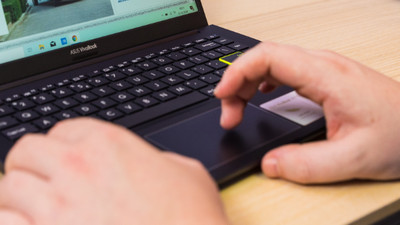
How do you turn on the keyboard lighting on your laptop?

Some laptops have a backlit keyboard, but how do you turn on the keyboard backlight? In this article, we'll explain how to turn on the backlight, because every laptop is different.

What connectors does a laptop have?

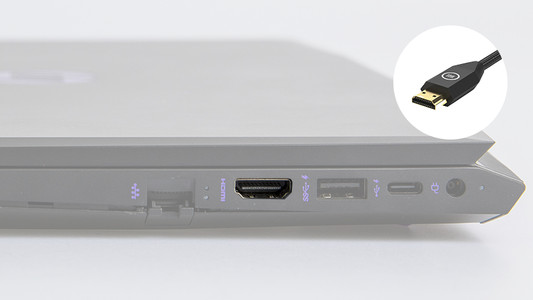
You're looking for a connector on your laptop, but you don't know what it looks like. Or you want to buy a laptop and you want to know what you can use the connectors for. On this page, we'll list the most important connectors for you. This way, you can be sure you have the right connector.

How do you turn on the keyboard lighting on your laptop?

Some laptops have a backlit keyboard, but how do you turn on the keyboard backlight? In this article, we'll explain how to turn on the backlight, because every laptop is different.

What connectors does a laptop have?

You're looking for a connector on your laptop, but you don't know what it looks like. Or you want to buy a laptop and you want to know what you can use the connectors for. On this page, we'll list the most important connectors for you. This way, you can be sure you have the right connector.

How do you transfer files from a laptop to a new one?

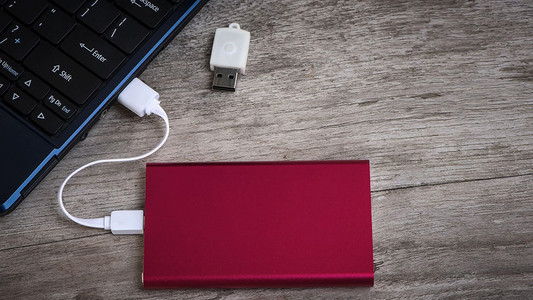
You have a new laptop and want to transfer the files from your old laptop. In this article, you can read how to transfer data from your old laptop to your new laptop.

How do you upgrade to Windows 11?

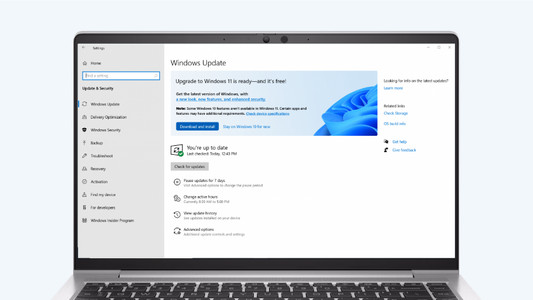
Do you want to upgrade Windows 10 to Windows 11, but don't know how that works? In this article, we'll help you out. You can update many Windows 10 laptops and desktops to Windows 11 for free. This is the latest Windows version. You can easily install the Windows 11 upgrade in 4 steps.

Subjects
Didn't find your answer?

Find an answer to your question quickly and easily via our customer service.

Coolblue specialist
Personal chat Digitalk.
You're now chatting with Coolblue customer service
This chat is closed
foo
Oeps File size is larger than 5MB. Upload a smaller file.