Laptops
All laptops
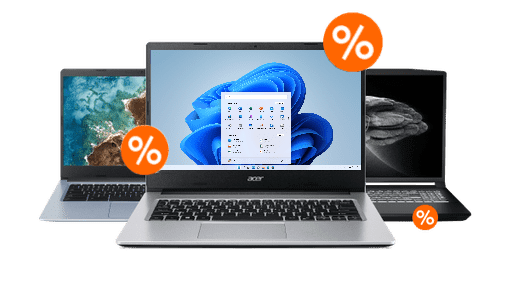
Laptop End of Year Deals
Type laptops
Windows laptops
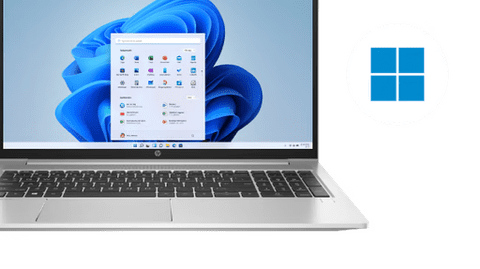
With the well-known Windows, you can use almost every program and every app.Apple MacBook
Use macOS and easily work together with other devices.Business laptops
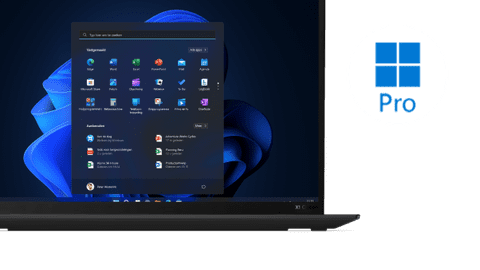
Windows Pro is the best choice for freelancers and businesses thanks to the extra security and functions.Chromebooks
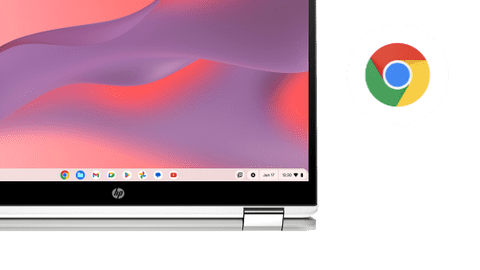
With ChromeOS, you can work mostly online with a Google account.







Laptops for every usage situation
Laptops for home use
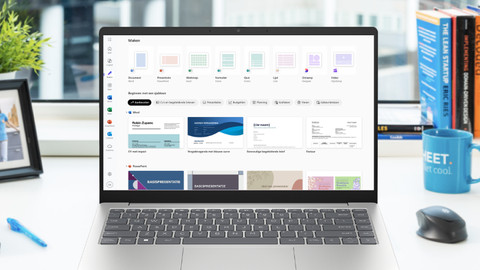
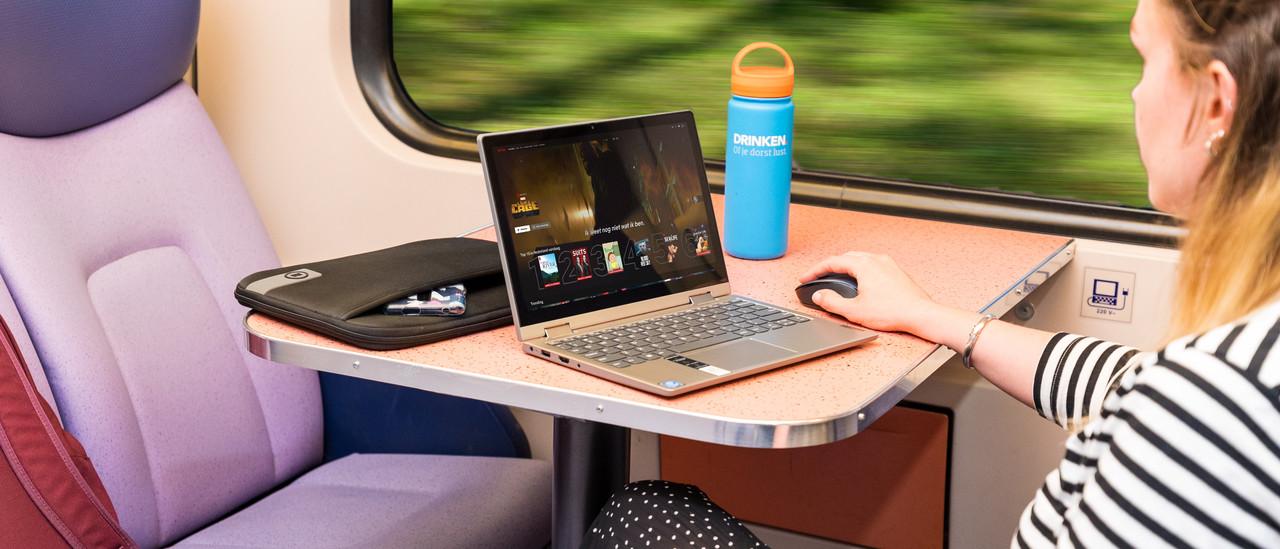
Browse the internet, watch series, send emails, and write texts with a laptop for home use. You can work in programs like Microsoft Word, Google Chrome, or Pages.Laptops for school
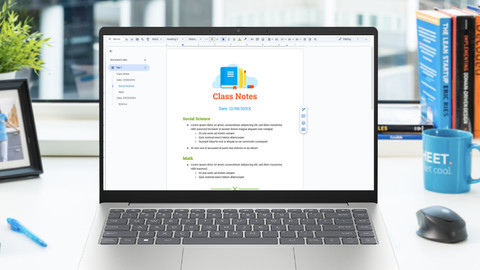
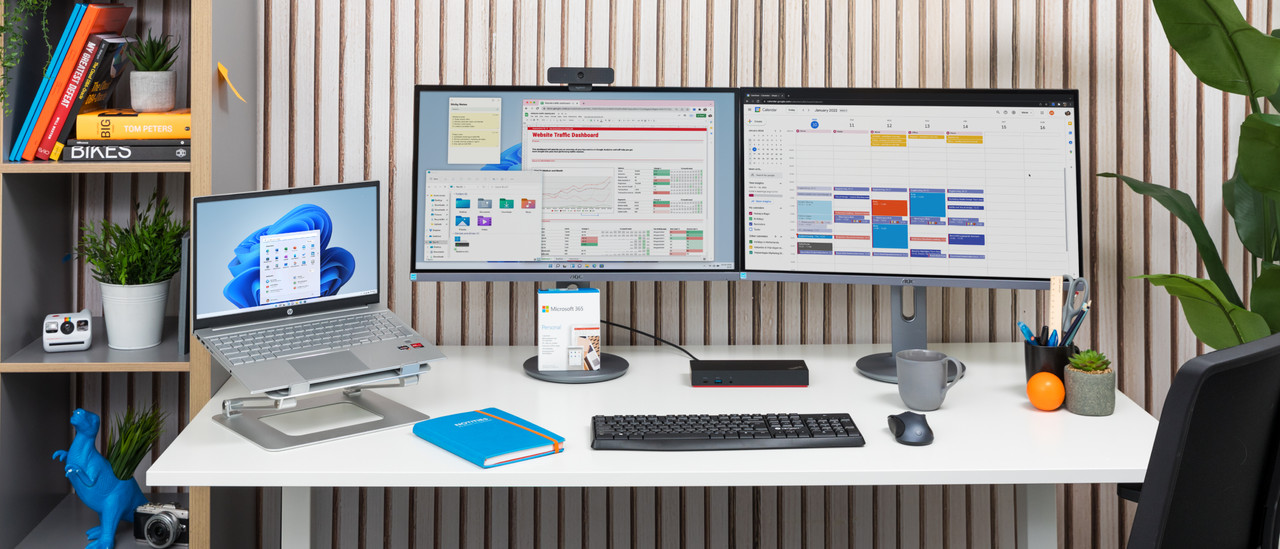
With a student laptop, you can write reports, make presentations, and work on all your assignments. Thanks to the compact size, you can easily bring it to lectures.Laptops for graphic design
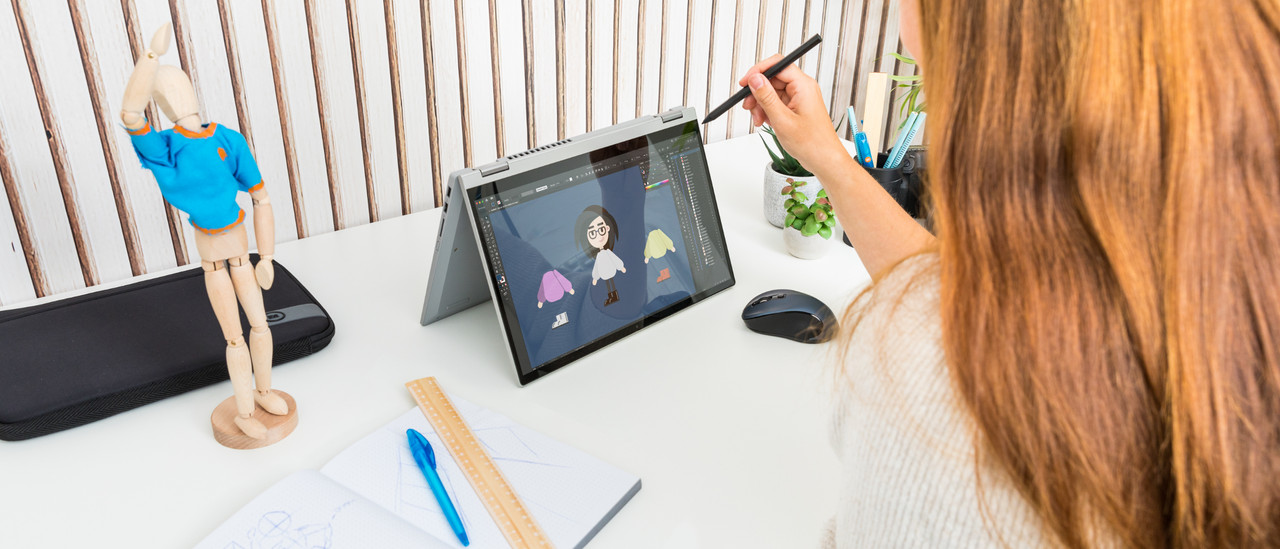
You can create graphic designs or edit photos and videos with Adobe Photoshop or Premiere Pro, as well as create designs in programs like AutoCAD or Blender.Laptops for gaming
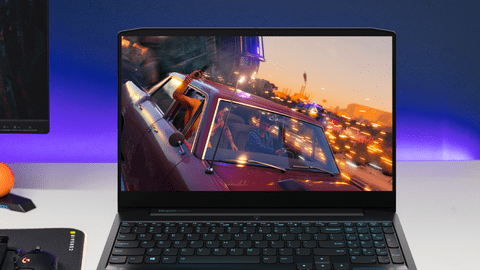
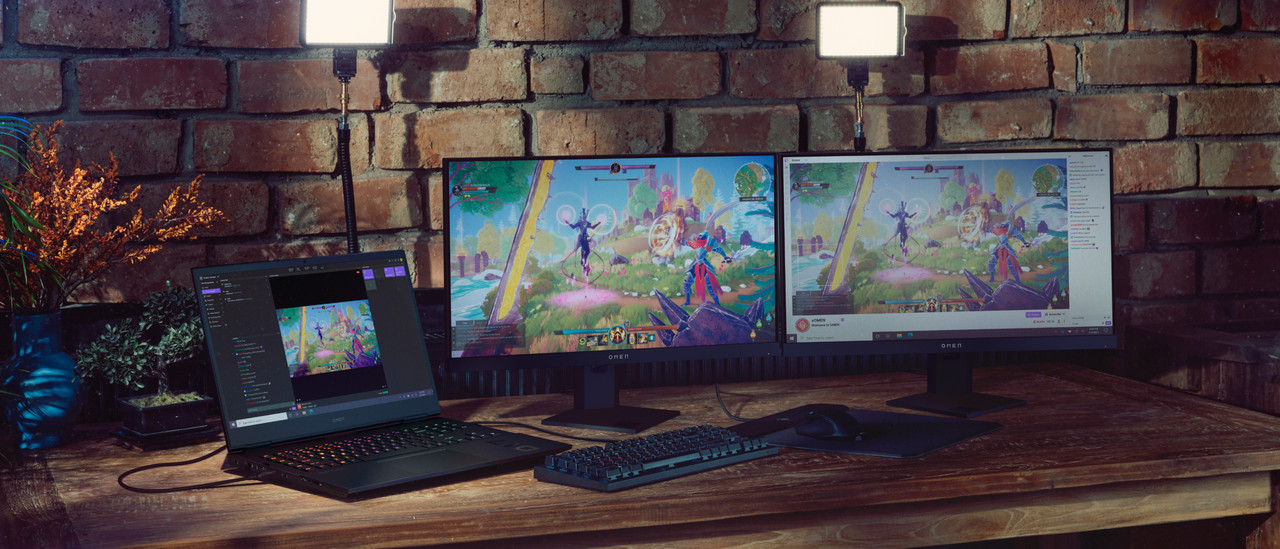
Play your favorite games in style with a gaming laptop. Defeat your opponents or build worlds while you game. You can play light, medium demanding, and demanding games.

Inspiration
Quickly navigate to other laptop pages
Advice on laptops

Which laptop suits you?
There are many different types of laptops. We divide them into 3 types: Windows laptops, Apple MacBook, and Google Chromebook. They differ in appearance and name, but also in operating system. Which laptop you need depends on both preference and use. There are students who use it at school, employees who use a laptop for business, and families who need a laptop for home use. Not sure which laptop you want to buy yet? Get advice from our laptop expert and be inspired.
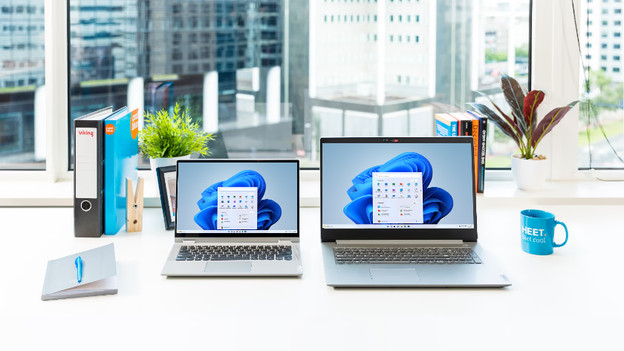
Which laptop size suits you?
The size of a laptop depends on the use. If you use it on the go for work or school, it's useful that the laptop is up to 14 inches and compact and doesn't weigh more than 1.5kg. That way, you can easily take the laptop with you in your laptop bag or backpack. A larger size laptop is mainly useful when you game a lot or edit photos or videos. So, think of what you want to use the laptop for beforehand. Do you want more information? We're happy to help you with some examples.
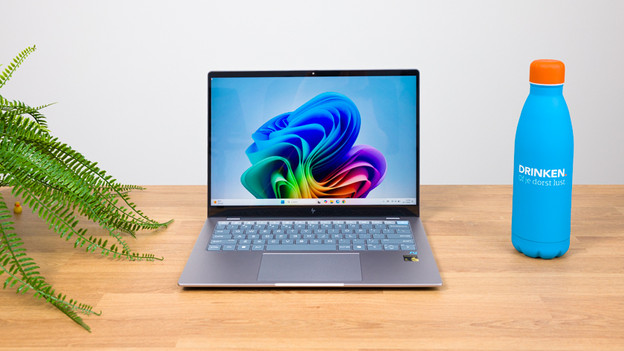
What's a Copilot+ PC?
Microsoft Copilot+ PCs are the latest Windows laptops with an AI chip that Microsoft have announced on 20 May 2024. Thanks to the powerful AI functions, the battery life of your AI laptop is longer. An entire working day on average. The AI chip ensures a better divide between the processor and video card, so you can switch more smoothly between tasks. Thanks to the AI chip, you can smoothly perform demanding AI calculating tasks such as photo editing. You can easily make your work smoother with AI with these Windows laptops. For example, you can quickly find files, websites, or conversations. You can also shorten texts and improve your typos.
Frequently asked questions about laptops
Which laptop suits you?
Which laptop you need depends on what you'll use the laptop for. We're happy to help you choose the best laptop for you.
What size laptop do I need?
The right inch size is different for each situation. Do you often take your laptop with you when you leave the house? Or do you mainly use it at your desk at home?
Which Office software pack do you need?
Microsoft Office is perhaps the most popular software package. You can buy Office once or choose an annual subscription with Office 365.
Which connectors do I need?
Laptops have various connectors which all serve a different purpose. The most popular connectors are HDMI, USB, network, and DisplayPort.
What's the difference between a business laptop and a consumer laptop?
Your files are secured better on a business laptop than a consumer laptop. You can also easily work remotely thanks to Windows 10 or 11 Pro, and you have enough connectors for a monitor or docking station. The warranty of a business laptop is also expandable most of the time. If you need a laptop for private use, you don't need the extra functions of a business laptop and a consumer laptop is enough for you.
How does Coolblue ensure that the laptops meet my needs?
At Coolblue, we choose which laptops we sell. We also build laptops ourselves. We do this based on our expert knowledge, as well as customer feedback and data. This way, we always have the best Windows laptops that completely match your needs and usage situation.
BlueBuilt laptop accessories: 5-year warranty
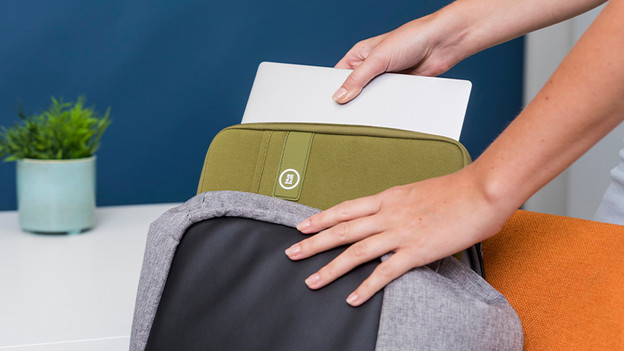
Laptop sleeves
BlueBuilt laptop sleeves are made from sturdy materials and offer the best protection for your laptop. They're very sturdy and fit around your laptop perfectly, and the zipper goes over the short side of the sleeve as well. So you can take your laptop out of your bag, but leave the sleeve in it.
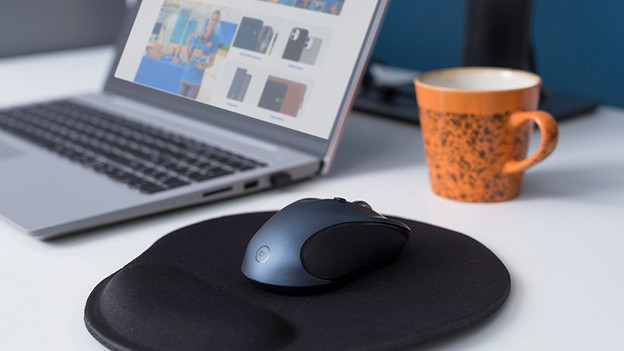
Mice
BlueBuilt mouses come in all shapes and sizes. For example, we have wireless mouses where you can also choose for the ergonomic version. This way, you'll assume a natural position and prevent RSI complaints. All BlueBuilt mouses have silent buttons that reduce the clicking sound.
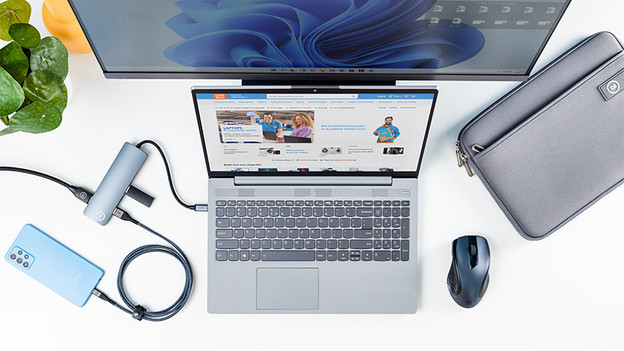
Docking stations
With BlueBuilt docking stations, you can connect all your peripherals to your laptop. The docking stations have multiple ports and are always compatible. This way, you can connect cables like HDMI, DisplayPort, Ethernet, and USB cables. Make sure the docking station has the ports you want before you buy it.
Buy a laptop at Coolblue
Looking for a new laptop? With so much choice on the market, buying the right laptop can be a challenge. Whether you want a light and compact laptop for school and on the go, or a powerful model for work and gaming: in our extensive assortment of laptops, you can always find what you're looking for.

Advice on Laptops
Can't choose? View the advice from our expert.